> ## Documentation Index
> Fetch the complete documentation index at: https://ona.com/docs/llms.txt
> Use this file to discover all available pages before exploring further.

# Overview
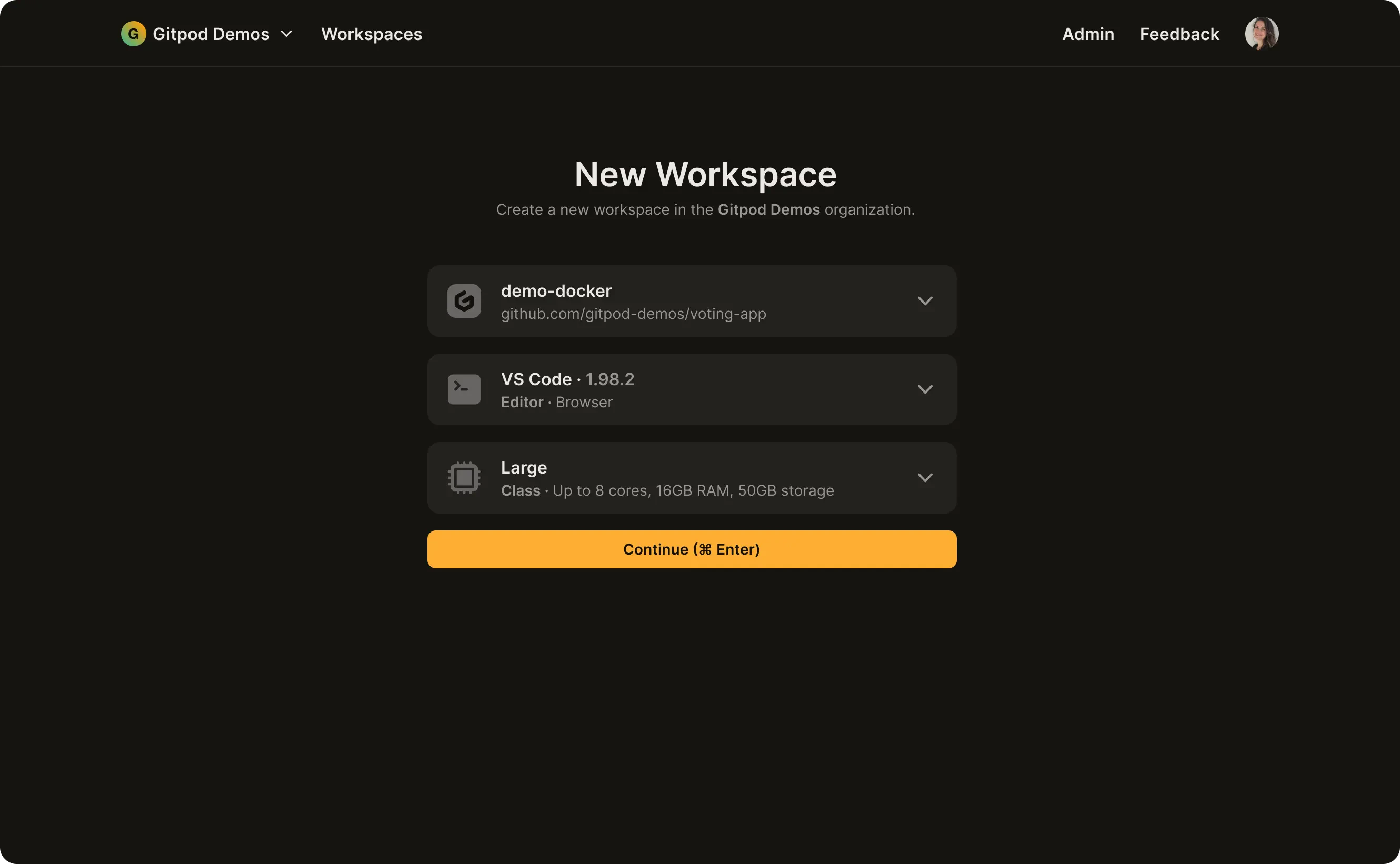
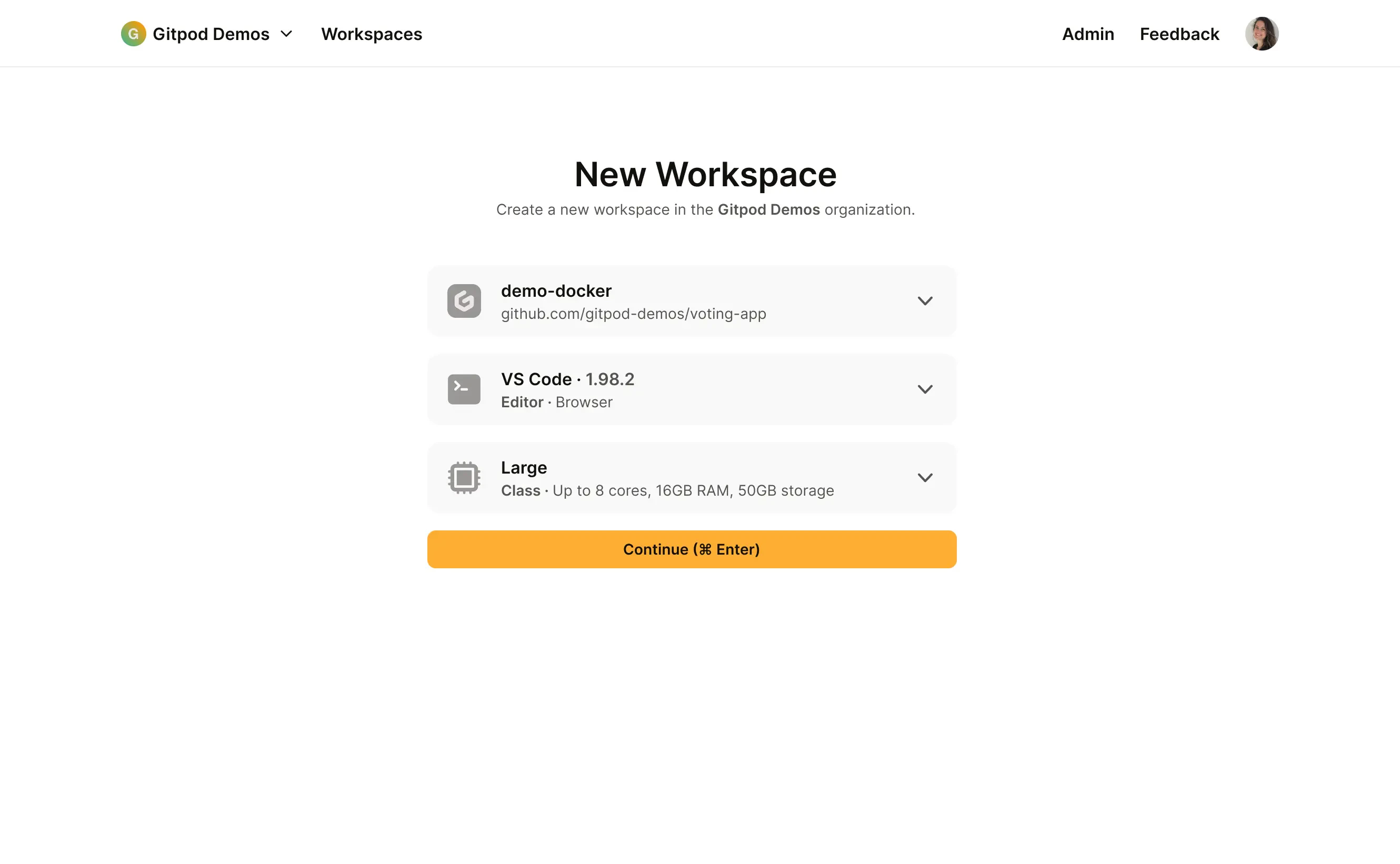
<Frame caption="Gitpod Classic dashboard">
  <img src="https://mintcdn.com/gitpod-13c83c2b/B0bhHlauN_rGiQ4d/images/gitpod-classic-screenshot-dark.webp?fit=max&auto=format&n=B0bhHlauN_rGiQ4d&q=85&s=78c37c31dc9f66579b4ae1d7e8700648" className="hidden dark:block" width="2660" height="1642" data-path="images/gitpod-classic-screenshot-dark.webp" />

  <img src="https://mintcdn.com/gitpod-13c83c2b/B0bhHlauN_rGiQ4d/images/gitpod-classic-screenshot.webp?fit=max&auto=format&n=B0bhHlauN_rGiQ4d&q=85&s=436ad2a8480a2b4041acd5f8f367dbdf" className="block dark:hidden" width="2660" height="1642" data-path="images/gitpod-classic-screenshot.webp" />
</Frame>

How would you like to get started with Gitpod?

Learn how to spin up dev environments the way that suits you best – reading, watching or start directly with a template.

<CardGroup cols={3}>
  <Card title="Getting Started" icon="rocket" href="/classic/user/introduction/getting-started/overview" horizontal />

  <Card title="Watch video" icon="video" href="https://www.gitpod.io/screencasts" horizontal />

  <Card title="Use Quickstart" icon="play" href="/classic/user/introduction/getting-started/quickstart/overview" horizontal />
</CardGroup>