> ## Documentation Index
> Fetch the complete documentation index at: https://ona.com/docs/llms.txt
> Use this file to discover all available pages before exploring further.
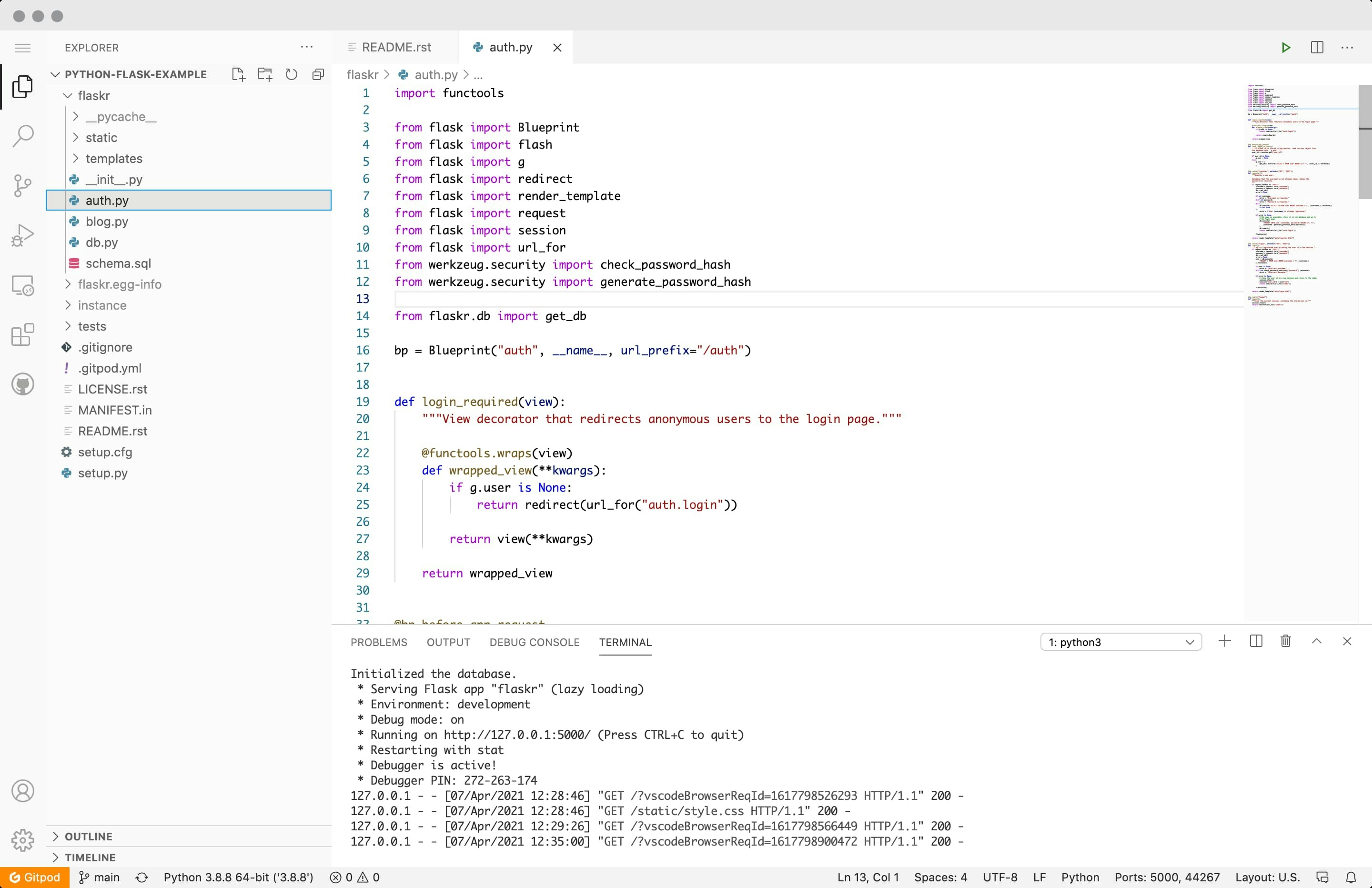
# VS Code Browser
VS Code Browser is the default editor that workspaces open in when using Gitpod. You can even [configure your VS Code extension](/classic/user/references/ides-and-editors/vscode-extensions) preferences by updating your .gitpod.yml.
 ## Changing the VS Code Browser version
VS Code Browser in Gitpod is based on a fork of [VS Code](https://github.com/microsoft/vscode) called [OpenVSCode Server
](https://github.com/gitpod-io/openvscode-server). VS Code in the browser in Gitpod is updated frequently, to use the latest nightly build of Gitpod you can switch to the "insiders" version of VS Code from [your Gitpod preferences page](https://gitpod.io/preferences).
## Settings Sync
By default, all your extensions and other preferences are synced between all of your workspaces on Gitpod. You can read more about over at [Settings Sync](/classic/user/references/ides-and-editors/settings-sync).
## Upload Files
You can upload files to your workspace by dragging and dropping them into the editor. You can also upload files by clicking the "Upload" button in the file explorer.
## FAQs
## Is it possible to intercept shortcuts like cmd+w in VS Code browser?
It is not possible to intercept `Ctrl/Cmd + W` directly in browsers like Chrome or Firefox, as it would require overriding the native keyboard shortcut.
### Recommended Solution
* Use [Gitpod with VS Code Desktop](/classic/user/references/ides-and-editors/vscode) for the best keyboard experience.
### Alternative Solution
You can also install Gitpod as a PWA. If you're interested in this approach, you can follow the instructions listed in the accompanying GitHub Issue [here](https://github.com/gitpod-io/gitpod/issues/1445#issuecomment-1028706854).
## Changing the VS Code Browser version
VS Code Browser in Gitpod is based on a fork of [VS Code](https://github.com/microsoft/vscode) called [OpenVSCode Server
](https://github.com/gitpod-io/openvscode-server). VS Code in the browser in Gitpod is updated frequently, to use the latest nightly build of Gitpod you can switch to the "insiders" version of VS Code from [your Gitpod preferences page](https://gitpod.io/preferences).
## Settings Sync
By default, all your extensions and other preferences are synced between all of your workspaces on Gitpod. You can read more about over at [Settings Sync](/classic/user/references/ides-and-editors/settings-sync).
## Upload Files
You can upload files to your workspace by dragging and dropping them into the editor. You can also upload files by clicking the "Upload" button in the file explorer.
## FAQs
## Is it possible to intercept shortcuts like cmd+w in VS Code browser?
It is not possible to intercept `Ctrl/Cmd + W` directly in browsers like Chrome or Firefox, as it would require overriding the native keyboard shortcut.
### Recommended Solution
* Use [Gitpod with VS Code Desktop](/classic/user/references/ides-and-editors/vscode) for the best keyboard experience.
### Alternative Solution
You can also install Gitpod as a PWA. If you're interested in this approach, you can follow the instructions listed in the accompanying GitHub Issue [here](https://github.com/gitpod-io/gitpod/issues/1445#issuecomment-1028706854).