> ## Documentation Index
> Fetch the complete documentation index at: https://ona.com/docs/llms.txt
> Use this file to discover all available pages before exploring further.
# Mermaid diagrams
> Visualize architecture, dependencies, and workflows with agent-generated diagrams
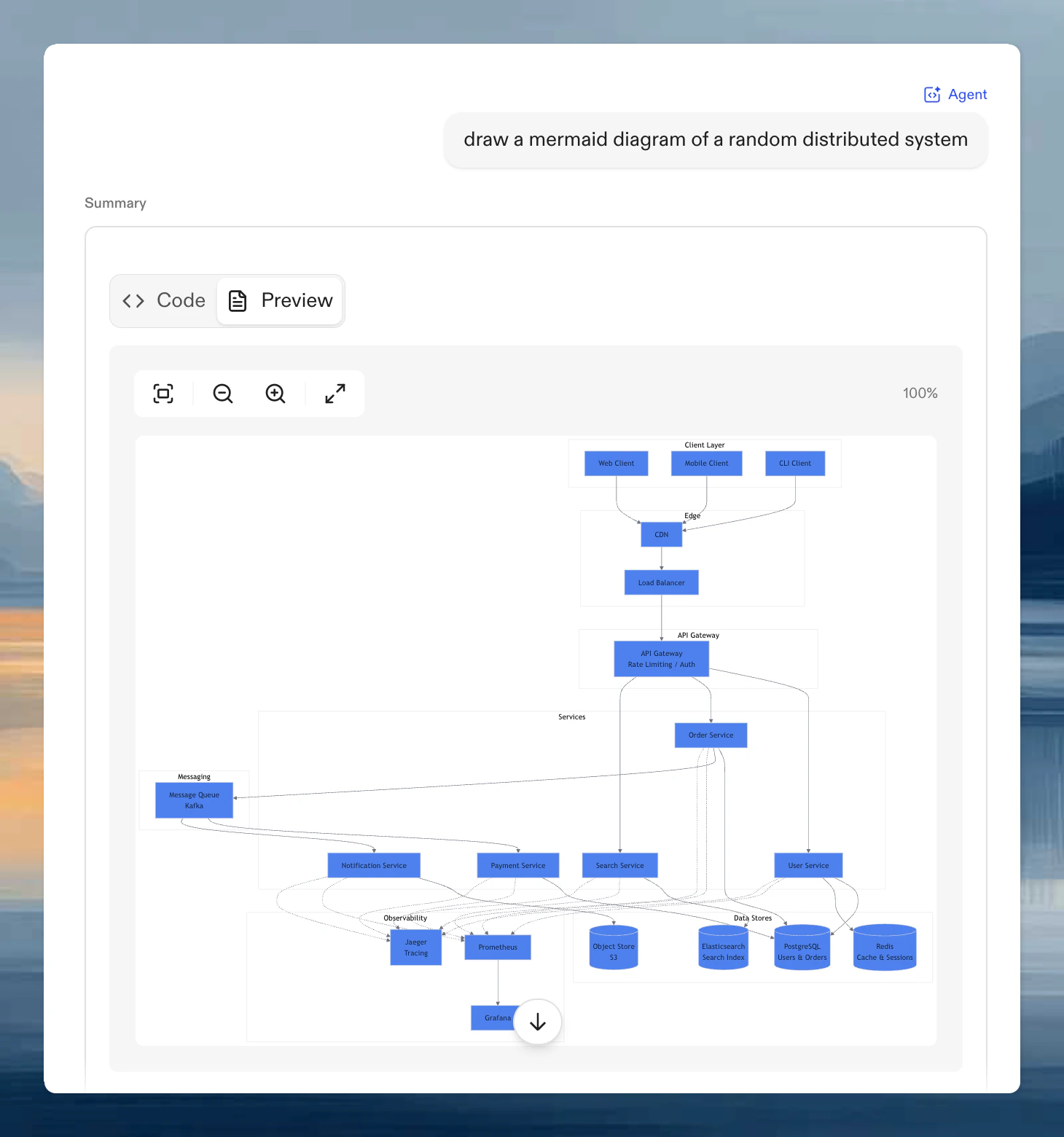
Ona Agent can generate Mermaid diagrams to visualize system architecture, dependencies, workflows, and data relationships. Ask in natural language and the agent produces a rendered diagram.
**Example prompts:**
* "Draw an architecture diagram showing how our microservices communicate"
* "Create a sequence diagram for the authentication flow"
* "Show me a dependency graph for the frontend components"
* "Visualize the relationships between our database tables"
 ## When Mermaid is useful
Mermaid diagrams help compress code or process detail into something you can scan quickly.
Common use cases:
* Architecture overviews for onboarding
* Sequence diagrams for request or authentication flows
* Dependency maps for refactors
* Entity diagrams for schema discussions
* Workflow diagrams for automations and pipelines
## Supported diagram types
* **Flowcharts**: decision trees and process flows
* **Sequence diagrams**: interaction between components over time
* **Class diagrams**: object-oriented relationships
* **Entity-relationship diagrams**: database schema visualization
* **State diagrams**: state machines and transitions
* **Gantt charts**: project timelines
See the [Mermaid documentation](https://mermaid.js.org/) for syntax reference.
## Viewing diagrams
Diagrams render with **Code** and **Preview** tabs. The preview includes zoom controls (25% to 450%), fullscreen mode, and copy-to-clipboard.
Use the **Code** tab when you want to review or tweak the Mermaid syntax, copy the diagram into another document, or ask the agent to fix a rendering problem.
## Refining a diagram
The first diagram is often a draft. Good follow-up prompts include:
* "Simplify this to the five most important components"
* "Turn this into a sequence diagram"
* "Group frontend, backend, and infrastructure separately"
* "Remove low-level implementation detail and focus on data flow"
## Troubleshooting
The Mermaid syntax is invalid. Ask the agent to fix it or check the code tab for syntax issues.
Ask for fewer nodes, clearer grouping, or a different diagram type.
## When Mermaid is useful
Mermaid diagrams help compress code or process detail into something you can scan quickly.
Common use cases:
* Architecture overviews for onboarding
* Sequence diagrams for request or authentication flows
* Dependency maps for refactors
* Entity diagrams for schema discussions
* Workflow diagrams for automations and pipelines
## Supported diagram types
* **Flowcharts**: decision trees and process flows
* **Sequence diagrams**: interaction between components over time
* **Class diagrams**: object-oriented relationships
* **Entity-relationship diagrams**: database schema visualization
* **State diagrams**: state machines and transitions
* **Gantt charts**: project timelines
See the [Mermaid documentation](https://mermaid.js.org/) for syntax reference.
## Viewing diagrams
Diagrams render with **Code** and **Preview** tabs. The preview includes zoom controls (25% to 450%), fullscreen mode, and copy-to-clipboard.
Use the **Code** tab when you want to review or tweak the Mermaid syntax, copy the diagram into another document, or ask the agent to fix a rendering problem.
## Refining a diagram
The first diagram is often a draft. Good follow-up prompts include:
* "Simplify this to the five most important components"
* "Turn this into a sequence diagram"
* "Group frontend, backend, and infrastructure separately"
* "Remove low-level implementation detail and focus on data flow"
## Troubleshooting
The Mermaid syntax is invalid. Ask the agent to fix it or check the code tab for syntax issues.
Ask for fewer nodes, clearer grouping, or a different diagram type.