> ## Documentation Index
> Fetch the complete documentation index at: https://ona.com/docs/llms.txt
> Use this file to discover all available pages before exploring further.
# Environment variables
Environment variable secrets are injected as standard environment variables when your environment starts. The secret name becomes the variable name.
```bash theme={null}
echo $APP_ENV
```
## When to use environment variables
Use environment variables for **non-sensitive configuration**:
* **Application modes** - `APP_ENV=development`, `DEBUG=true`
* **Feature flags** - `ENABLE_NEW_UI=true`
* **Endpoints** - `API_BASE_URL=https://api.example.com`
**Security tradeoff**: Environment variables can leak through process listings (`ps auxe`), logs, and crash dumps. [File secrets](/ona/configuration/secrets/files) are more secure - they're not visible in process listings and won't appear in logs.
However, many tools (including MCP servers) expect credentials as environment variables. For API keys that can be rotated, this tradeoff is often acceptable. For passwords and private keys, prefer file secrets.
## Create an environment variable secret
1. Navigate to **Project → Secrets** or **Settings → Secrets**
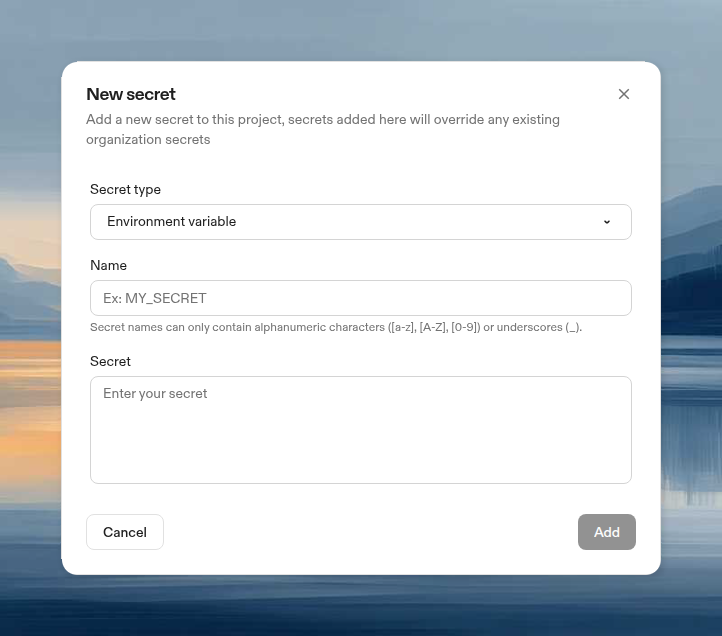
2. Click **New Secret**, then choose **Environment variable** from the **Secret type** dropdown
3. Configure:
* **Name**: Variable name (e.g., `LINEAR_API_KEY`)
* **Secret**: The secret value (max 10KB)
 ## Access the variable
Available immediately in your environment:
```bash theme={null}
# In shell
echo $APP_ENV
# In Node.js
process.env.APP_ENV
# In Python
os.environ['APP_ENV']
```
## Update a secret
1. Navigate to **Project → Secrets** or **Settings → Secrets**
2. Click **Edit**, update the value, click **Update**
## Access the variable
Available immediately in your environment:
```bash theme={null}
# In shell
echo $APP_ENV
# In Node.js
process.env.APP_ENV
# In Python
os.environ['APP_ENV']
```
## Update a secret
1. Navigate to **Project → Secrets** or **Settings → Secrets**
2. Click **Edit**, update the value, click **Update**
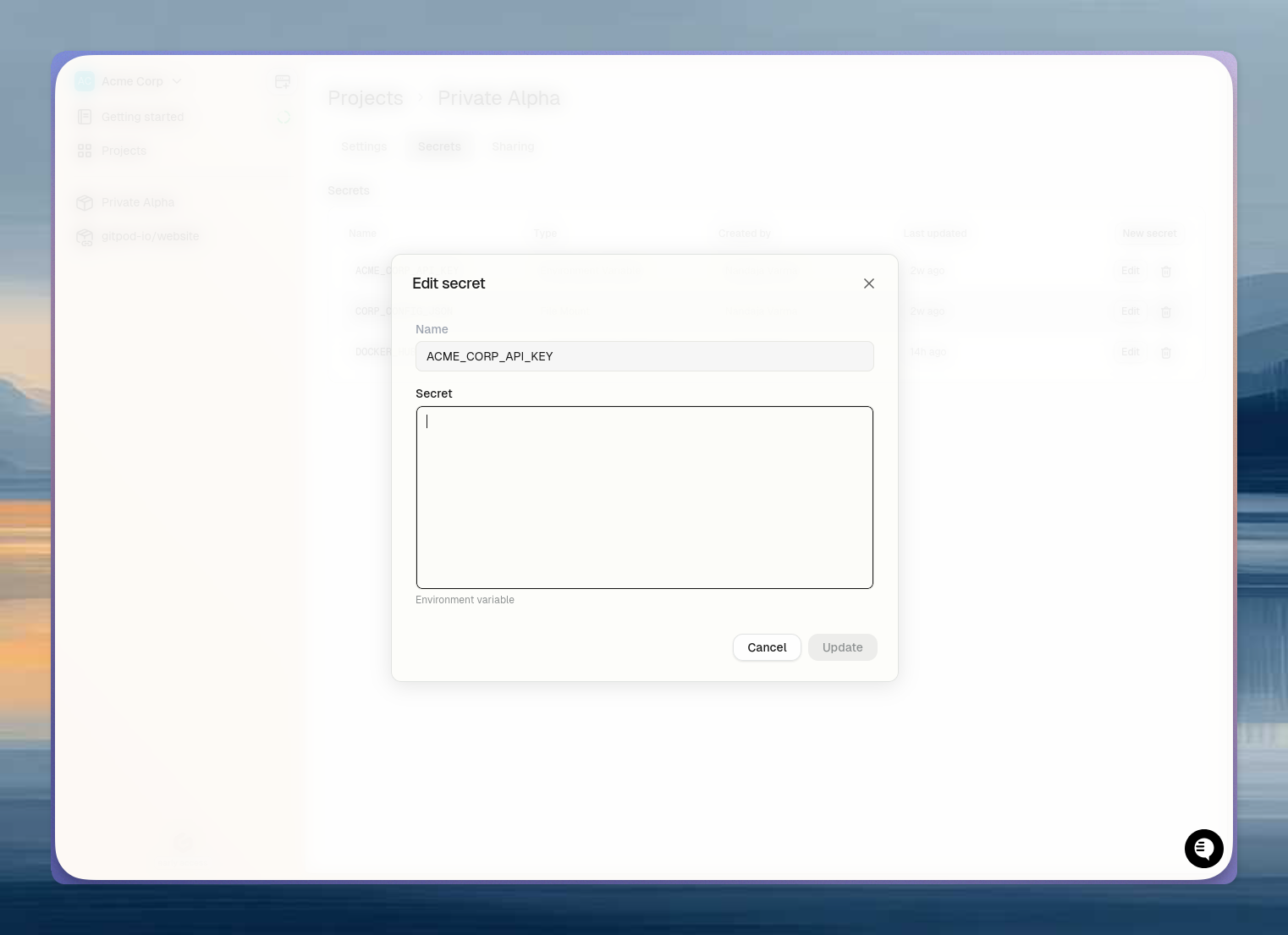 Updated values are automatically propagated to running environments (within 2 minutes). Running processes won't see the new value until the environment is restarted or the Dev Container is rebuilt.