> ## Documentation Index
> Fetch the complete documentation index at: https://ona.com/docs/llms.txt
> Use this file to discover all available pages before exploring further.
# Environment inventory
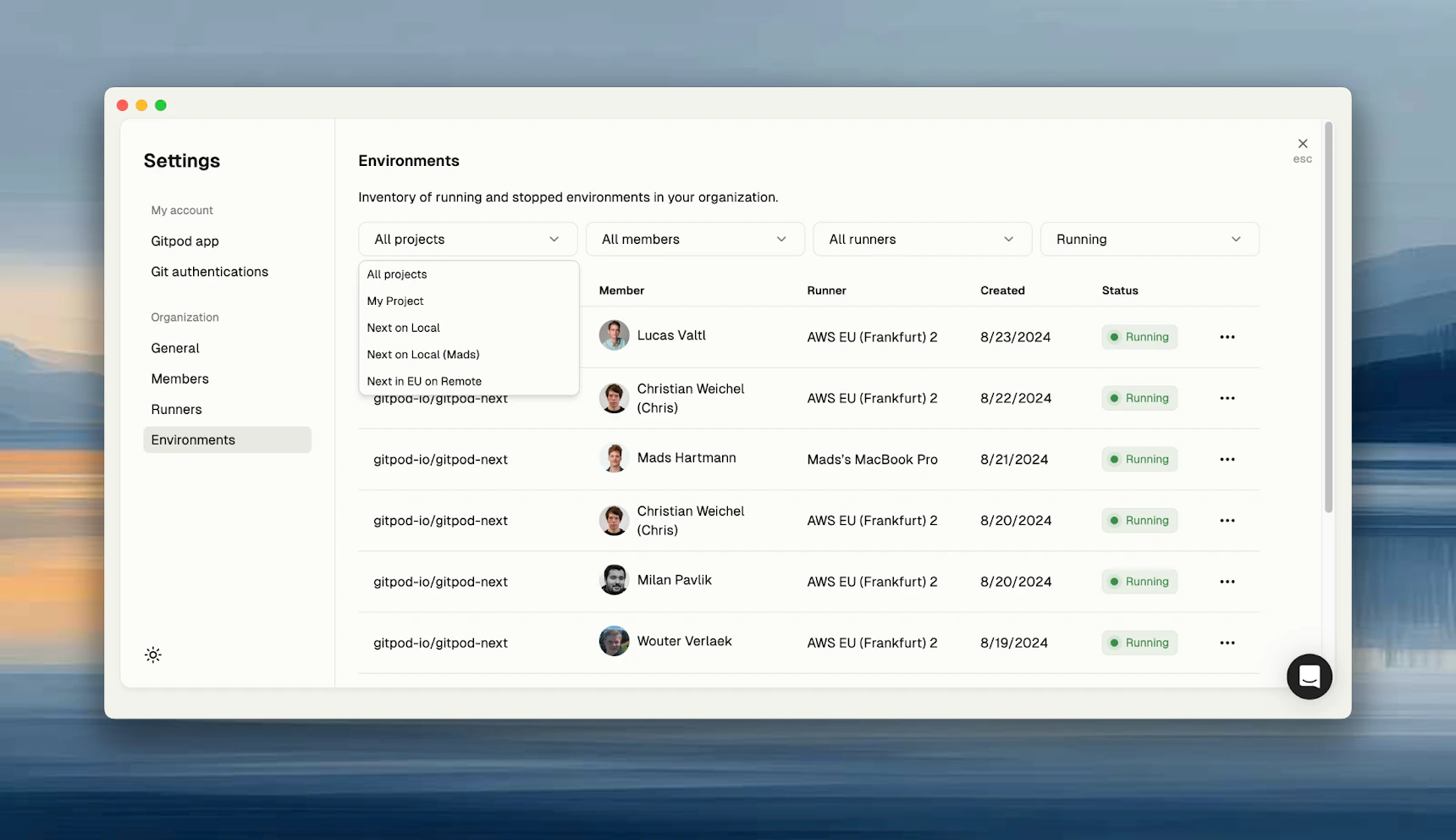
Organization admins can view all environments in **Settings → Environments**. Use filters to find specific environments by owner, project, runner, or status.
 ## Available data
| Field | Shows |
| ----------- | -------------------------------------- |
| **Owner** | User who created the environment |
| **Project** | Associated project (if any) |
| **Runner** | Infrastructure running the environment |
| **Status** | Running, stopped, or archived |
| **Created** | When the environment was created |
## Admin actions
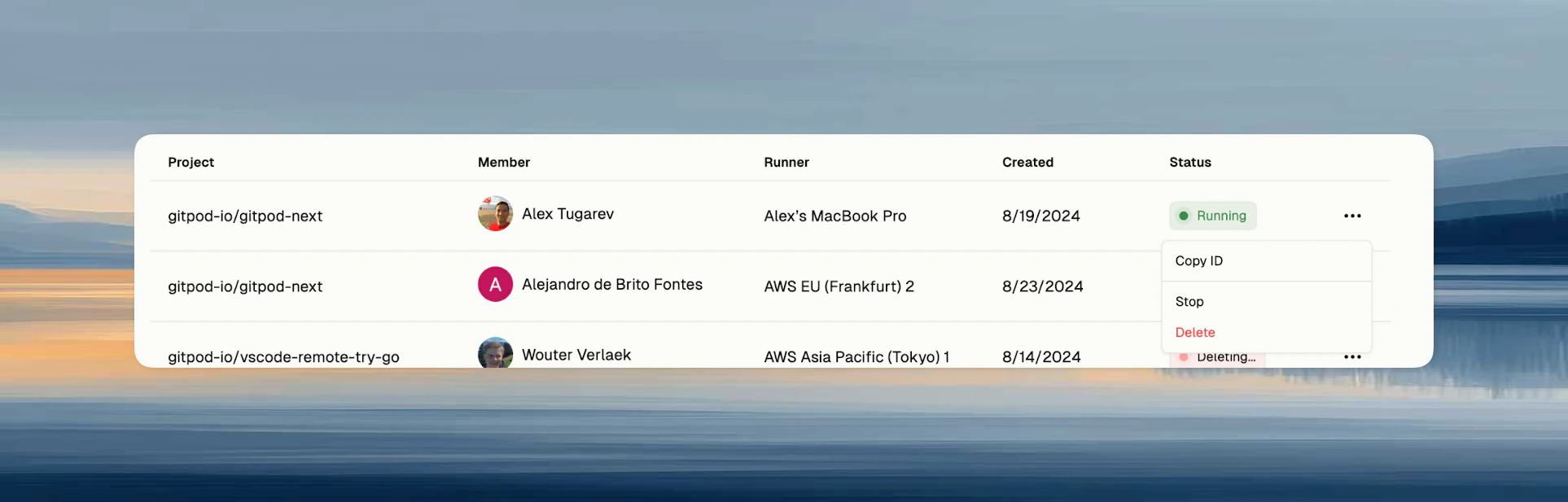
From the dropdown menu on any environment, organization admins can:
* **Stop** - Stop a running environment
* **Delete** - Permanently remove the environment
## Available data
| Field | Shows |
| ----------- | -------------------------------------- |
| **Owner** | User who created the environment |
| **Project** | Associated project (if any) |
| **Runner** | Infrastructure running the environment |
| **Status** | Running, stopped, or archived |
| **Created** | When the environment was created |
## Admin actions
From the dropdown menu on any environment, organization admins can:
* **Stop** - Stop a running environment
* **Delete** - Permanently remove the environment
 Deleting an environment is permanent and removes all data. Users are not notified when an admin stops or deletes their environment.