> ## Documentation Index
> Fetch the complete documentation index at: https://ona.com/docs/llms.txt
> Use this file to discover all available pages before exploring further.
# Environment limits
> Limit how many environments each user can have.
Cap the number of environments per user to prevent resource sprawl and control costs. Useful when:
* Managing infrastructure capacity across a large team
* Preventing accumulation of abandoned environments
* Enforcing cleanup habits
Two limits available:
* **Maximum total**: All environments (running or stopped) per user
* **Maximum concurrent**: Environments running simultaneously per user
## Configuration
Set values for both limits (1-100). Defaults: 10 concurrent, 50 total.
 ## Effect on users
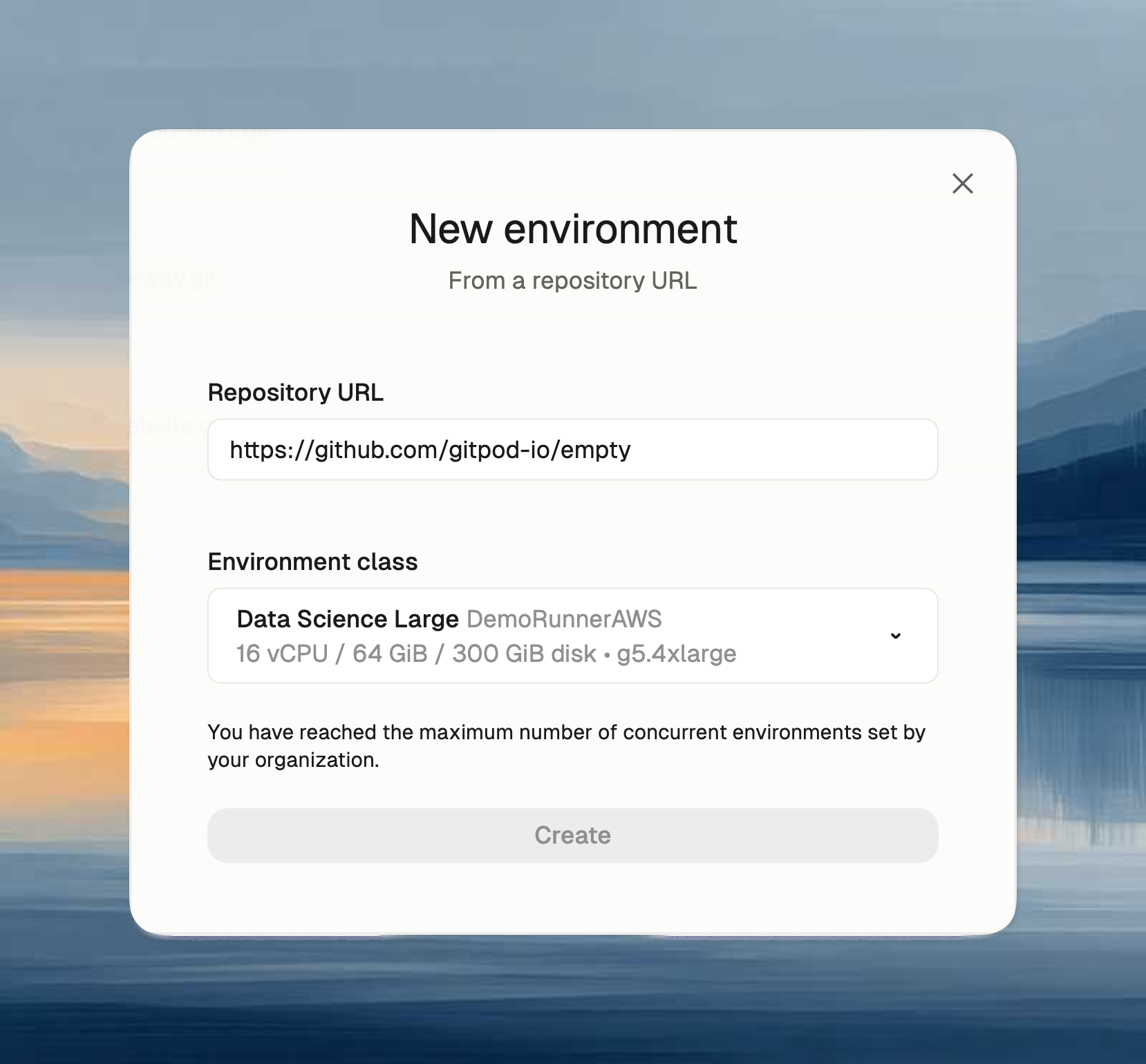
Users see a notification when they hit the limit, suggesting they stop unused environments.
With EC2 runners, stopped (undeleted) environments still incur AWS costs.
## Effect on users
Users see a notification when they hit the limit, suggesting they stop unused environments.
With EC2 runners, stopped (undeleted) environments still incur AWS costs.