> ## Documentation Index
> Fetch the complete documentation index at: https://ona.com/docs/llms.txt
> Use this file to discover all available pages before exploring further.
# Sharing runners
> Grant organization members access to runners.
By default, runners are only accessible to the creator and organization admins. Runner admins can share runners with individual users and groups.
To give a team admin access to **all** runners in the organization, assign the [Runners Admin](/ona/organizations/organization-roles) role to their group instead of sharing runners individually.
To grant access to other members:
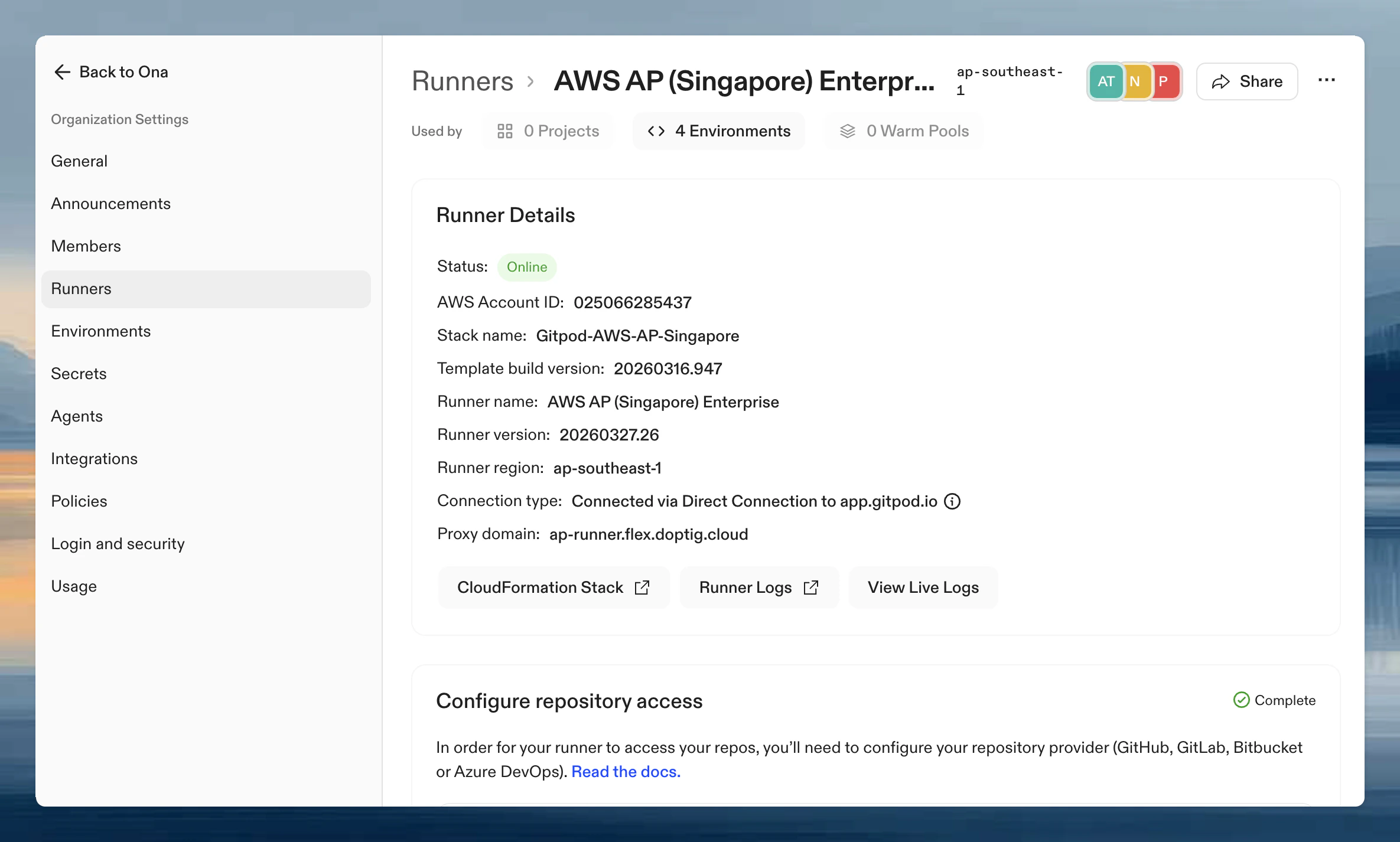
1. Go to **Settings → Runners** and select the runner
2. Click **Share** in the top right
3. Add users or groups and assign roles
See [Sharing resources](/ona/organizations/sharing-resources) for details on roles and permissions.