
Control how long archived environments are retained before permanent deletion. Useful when:
  • Reducing storage costs from abandoned environments
  • Enforcing data retention policies
  • Preventing accumulation of stale environments
Auto-delete is separate from archive timing. Enterprise admins can configure archive timing separately. Core organizations archive stopped environments after 3 days and auto-delete environments 4 days after archival. This policy sets the maximum time before archived environments are deleted.

Configuration

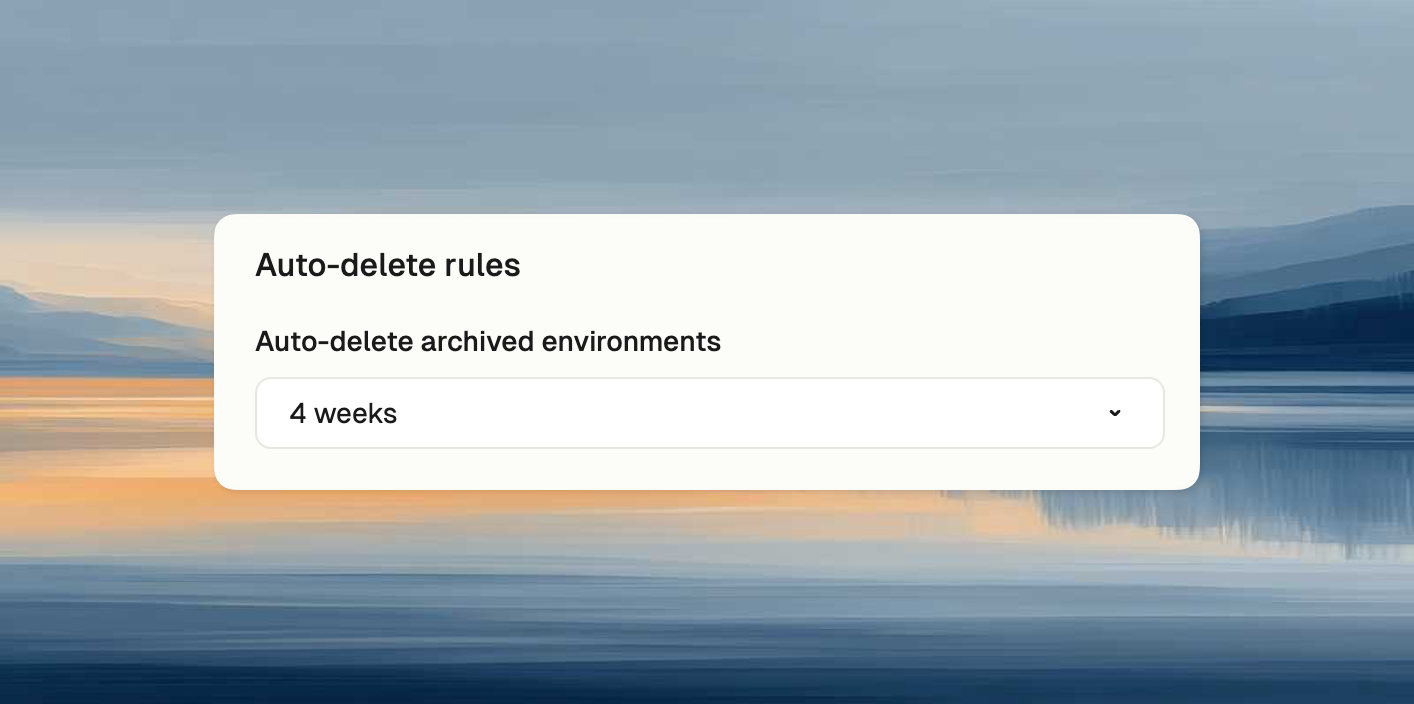
Select retention period: 1 week, 2 weeks, 4 weeks, or Never. Auto-delete policy
Effect on users

Users can select equal or shorter retention periods. For example, if policy is “2 weeks”, users can choose “1 week” or “2 weeks” but not “4 weeks”. See Archive & auto-delete for details.