To give a team admin access to all runners in the organization, assign the Runners Admin role to their group instead of sharing runners individually.
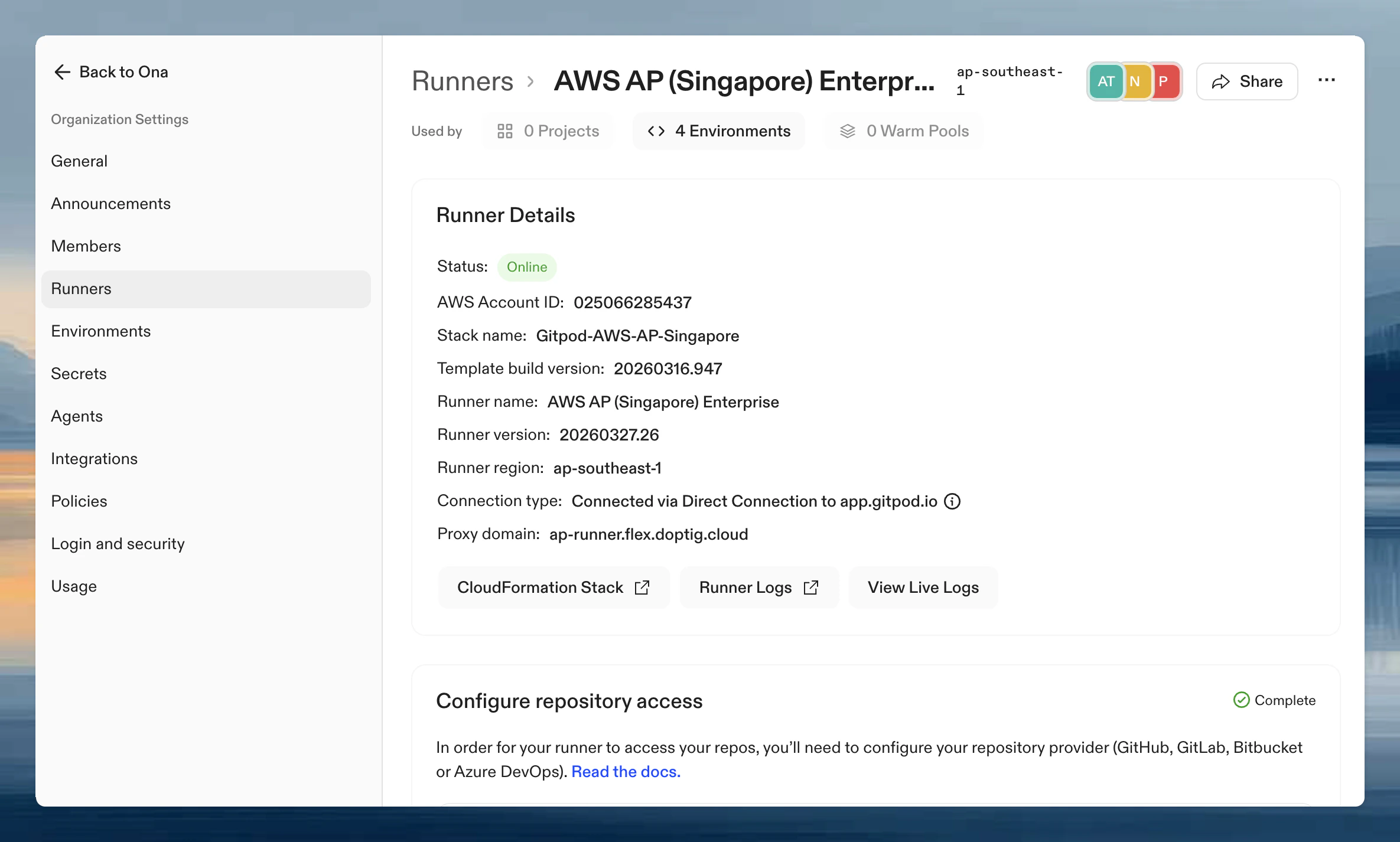
- Go to Settings → Runners and select the runner
- Click Share in the top right
- Add users or groups and assign roles