
Documentation Index

Fetch the complete documentation index at: https://ona.com/docs/llms.txt

Use this file to discover all available pages before exploring further.

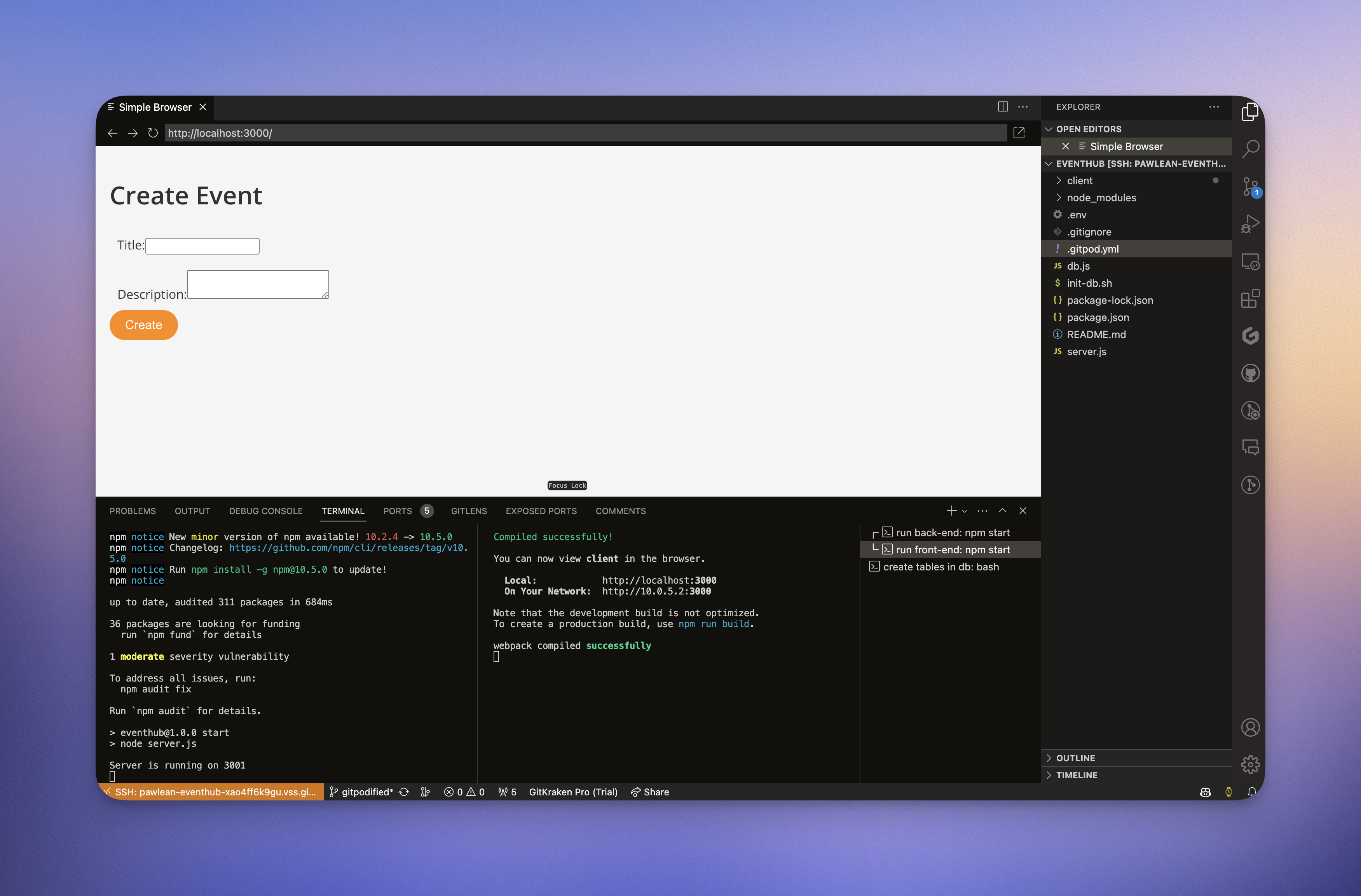
When our application starts, you are automatically notified in the editor of opened ports. If you want to do things like automate the opening of a port in your browser tab, you can do that by configuring a ports block in your .gitpod.yml. Let’s configure our application to open an editor preview for our front-end, and suppress notifications on our backend. Copy the following ports block in your existing .gitpod.yml configuration. As before, you’ll need to commit your changes and open a new workspace to view your changes.
.gitpod.yml
ports:
    - name: front-end
      port: 3000
      onOpen: open-preview

    - name: back-end
      port: 3001
      onOpen: ignore
      visibility: public
When running, here’s how your workspace should open with VS Code:

Next Steps

Configure a database →