

Good fits for scheduled runs
- nightly validation and cleanup
- weekly dependency maintenance
- regular backlog triage
- periodic reporting or compliance checks
Configuration
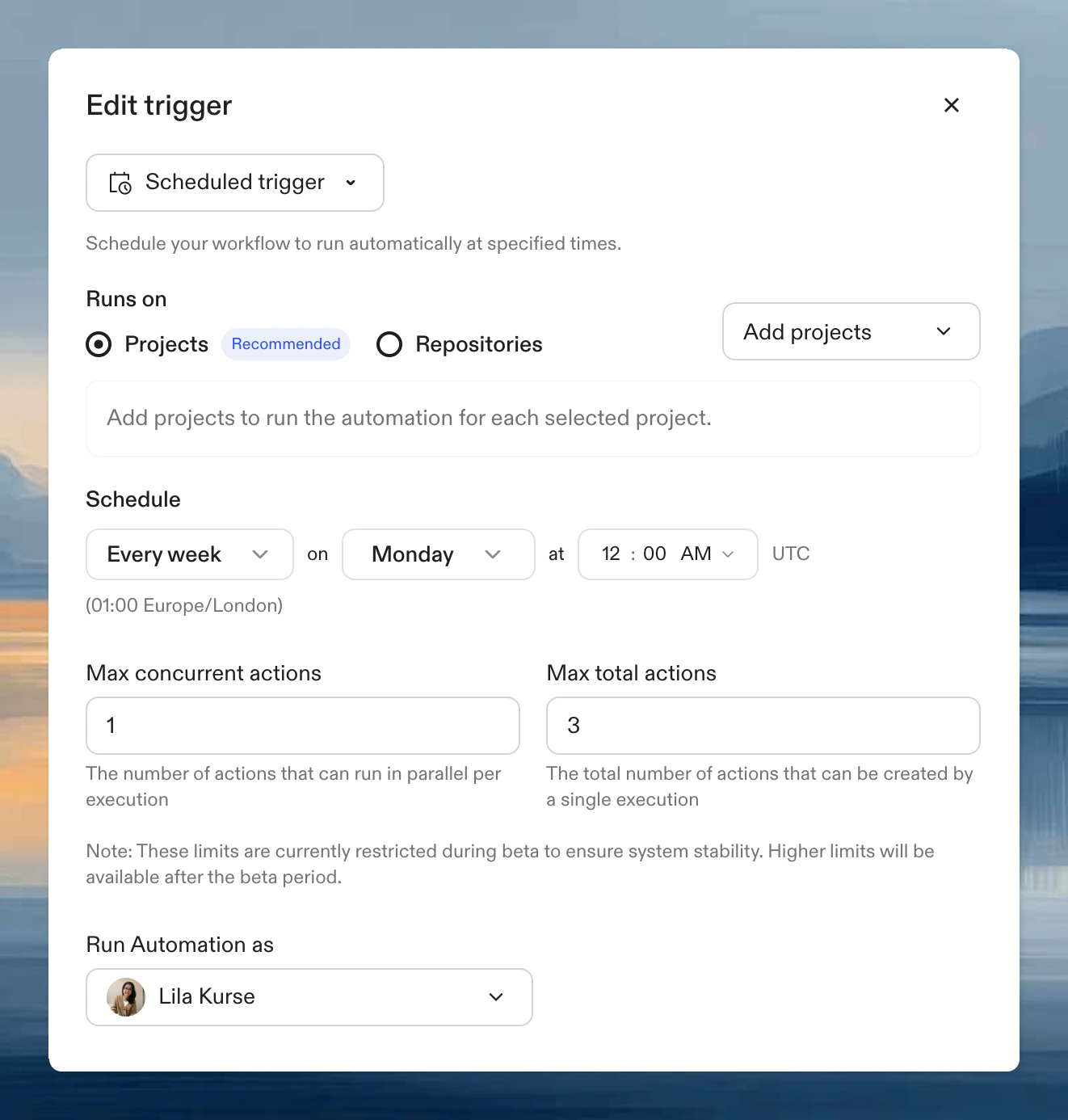
Runs on
- Projects (recommended): select projects. Runs on all repositories within them.
- Repositories: use a search query (see manual triggers for examples).
Schedule
Examples:
- Weekly dependency updates: every Monday at 2 AM UTC
- Weekday backlog triage: every weekday at 9 AM UTC
- Nightly security scans: every day at 1 AM UTC
- Monthly compliance: first day of the month at midnight UTC
Timezone
Schedules are evaluated in UTC. Weekday schedules run Monday through Friday in UTC, so keep timezone differences in mind when choosing times for teams that work in other timezones.Scheduling tips
- Run outside peak working hours when the workflow is resource-intensive.
- Leave enough time for one run to finish before the next one begins.
- Start with a narrower target set before scheduling the Automation broadly.
- Pair scheduled runs with service accounts when you want stable credentials independent of an individual user.