

When to use user secrets
Use user secrets when the credential belongs to an individual rather than to the team. Common examples:- your personal GitHub or GitLab token
- your personal Linear or Notion token
- credentials for tools only you should use
- temporary tokens you are testing before standardizing them at project or organization scope
Manage user secrets
Navigate to Settings → My Account → Secrets.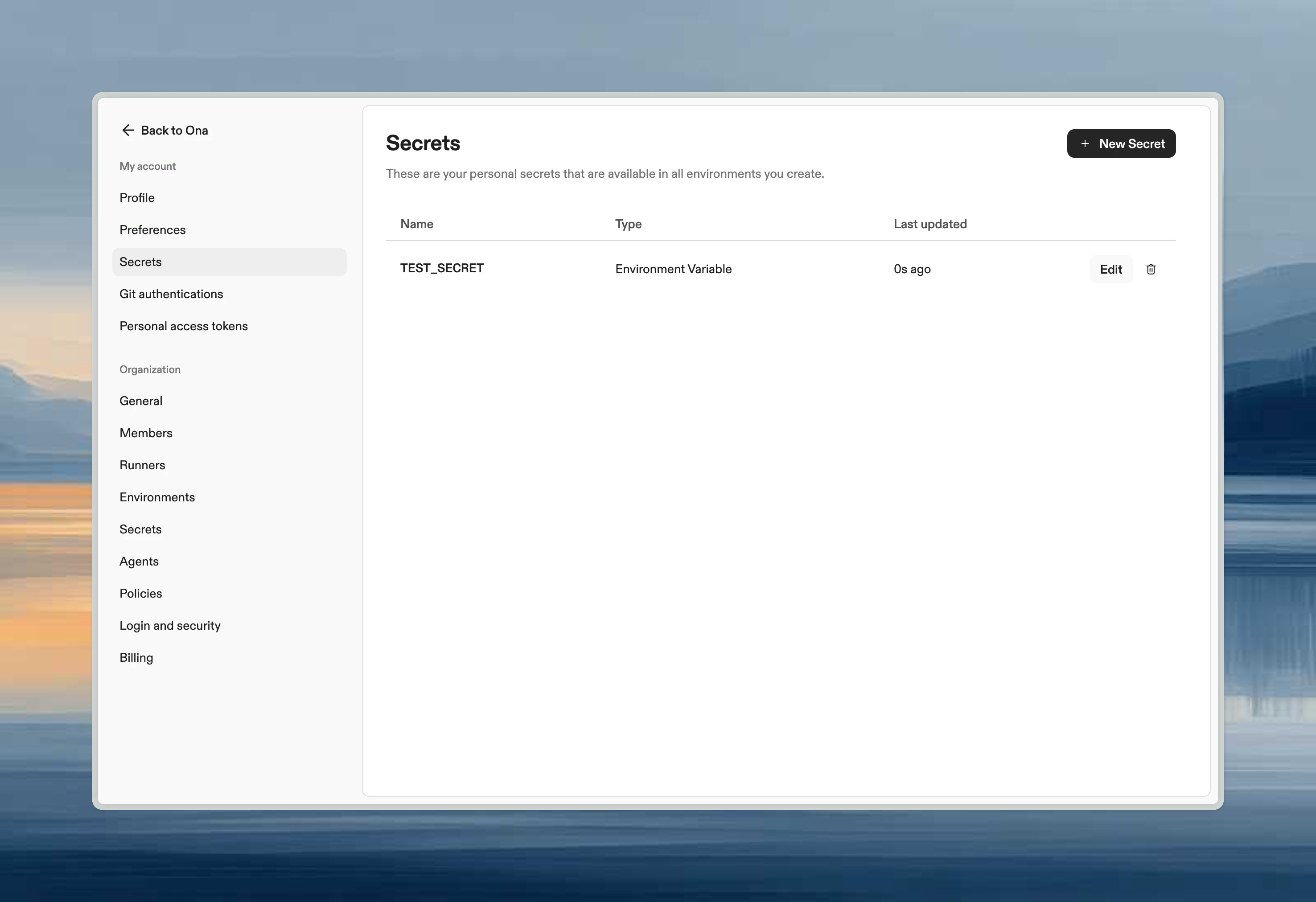
Common user secrets
When to use user vs project secrets
- User secrets: Personal tokens, credentials you don’t want to share
- Project secrets: Shared team credentials, service accounts, project-specific config
How user secrets interact with other scopes
If the same secret name exists at multiple levels:- user secret wins
- project secret is used next
- organization secret is the fallback