

When to use file secrets
Use file secrets for:- Certificates and keys - TLS certificates, SSH keys, service account credentials
- Config files - JSON configurations, kubeconfig, cloud provider configs
- Multi-line content - Anything that doesn’t fit in an environment variable
Create a file secret
- Navigate to Project → Secrets or Settings → Secrets
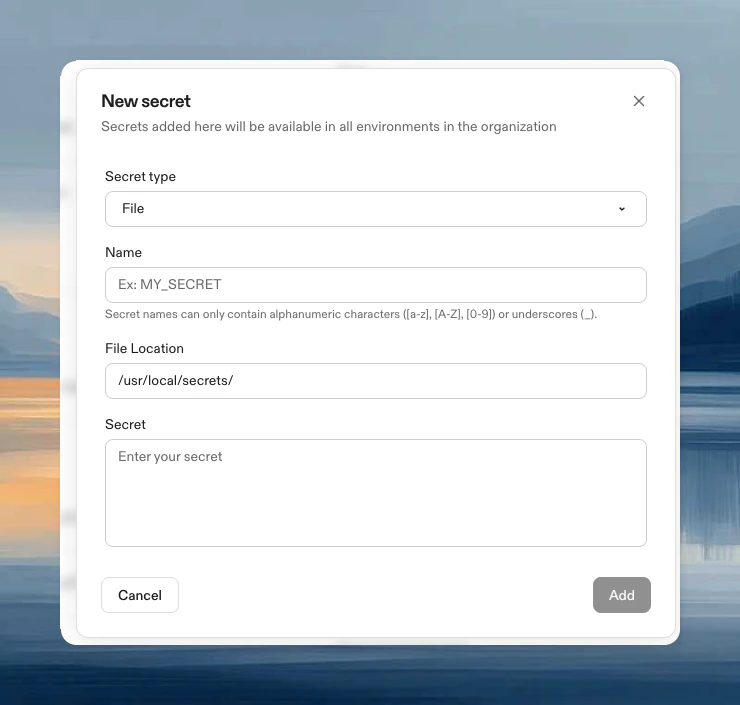
- Click New Secret, then choose File from the Secret type dropdown
- Configure:
- Name: Identifier for the secret
- Secret: File contents (max 10KB)
- File Location: Where the file appears in your environment (e.g.,
/home/gitpod/.ssh/id_rsa)
Access the file
The file is automatically available at your specified path:Update a file secret
- Navigate to Project → Secrets or Settings → Secrets
- Click Edit, update the value, click Update