

! to run it immediately and share the output with the agent. The output becomes part of the session context, so the agent can reference it in responses.
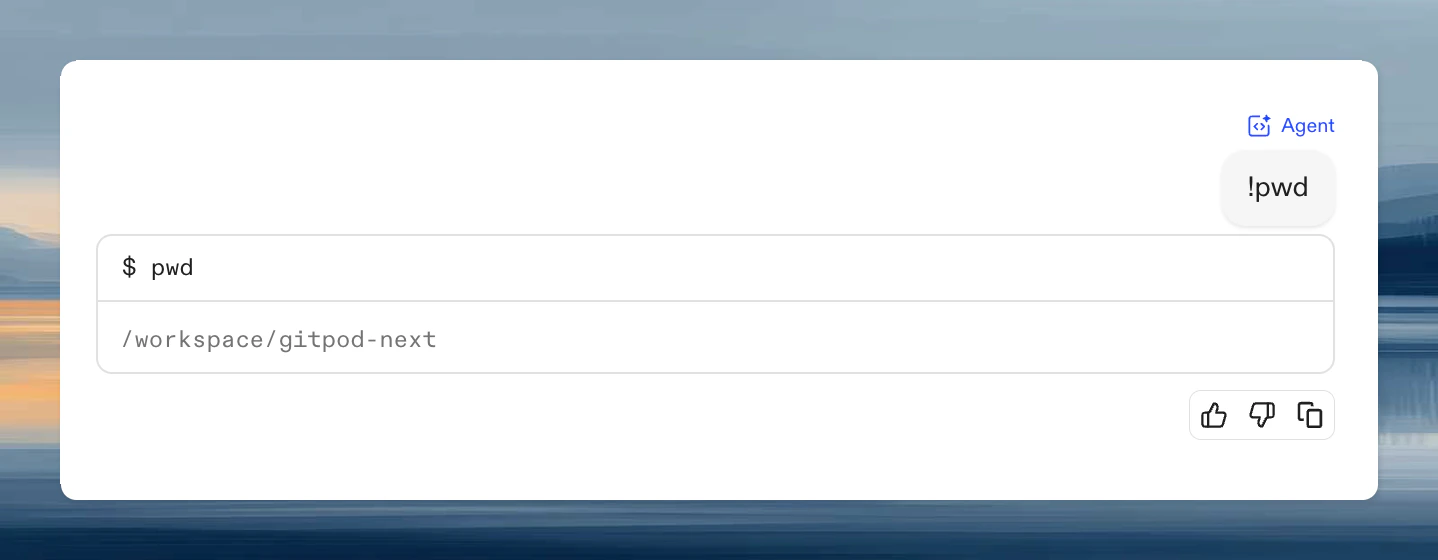
What happens when you use !
! is the fastest way to bring shell output into the conversation without asking the agent to decide which command to run.
When you run a command this way:
- the output becomes part of the chat context for the current session
- the command result is shown directly in the session
- you can immediately ask follow-up questions about the result
When to use ! commands
Use! when you want to share specific output with the agent:
- Share errors for debugging:
!npm testthen ask “why is this failing?” - Provide context:
!cat package.jsonbefore asking about dependencies - Verify state:
!git branchbefore asking about branching strategy
Good fits vs bad fits
Good fits:- a single diagnostic command
- a one-off log or file dump
- a test run whose output you want the agent to interpret
- long investigative workflows
- commands that mutate the repo in ways you want the agent to manage
- repeated shell sequences better handled by the agent itself or by an Automation
Tips
- Use short, targeted commands so the output stays readable in chat.
- Prefer
!git statusor!pytest -qover huge recursive dumps. - If the output is noisy, run a narrower command and ask a more specific follow-up question.