

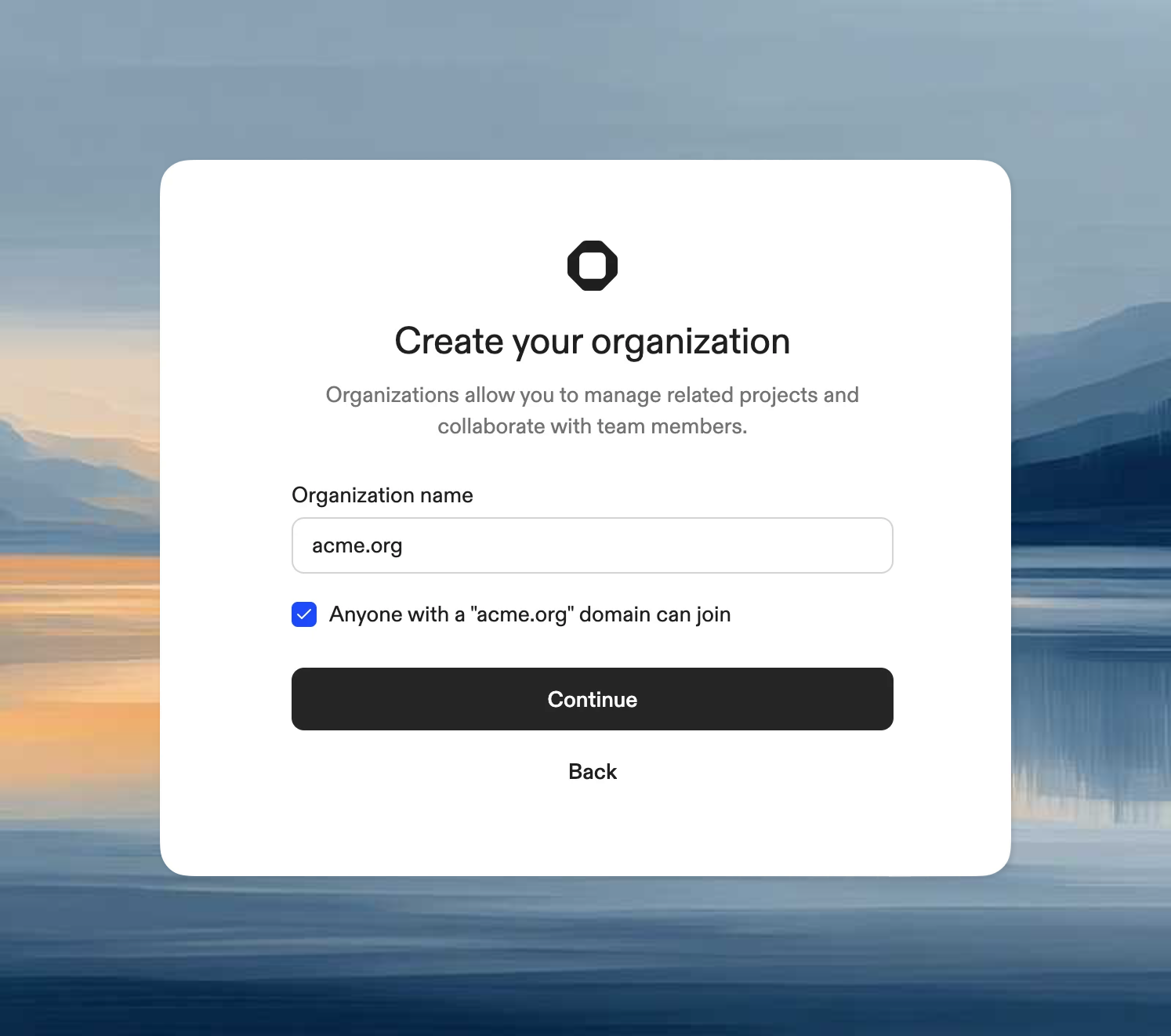
Create an organization
- Enter an organization name (can be changed later in Settings)
- Optionally enable “Anyone with a yourdomain.org domain can join” to allow users with matching email domains to join automatically
Join an organization
If organizations exist that allow you to join (via domain matching), you’ll see them listed. Click Join to become a member.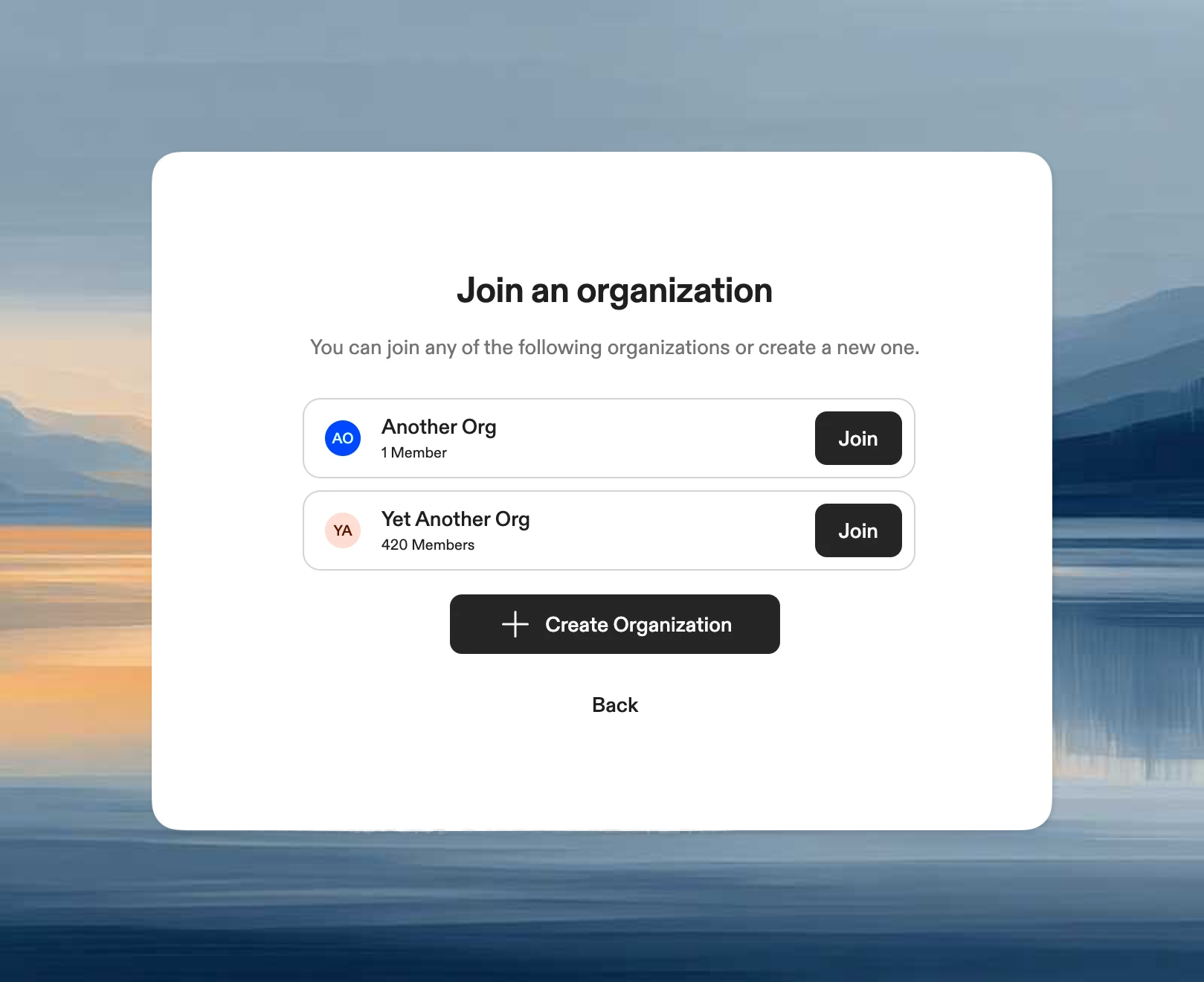
From an invite link
Clicking an invite link takes you directly to the join page for that organization.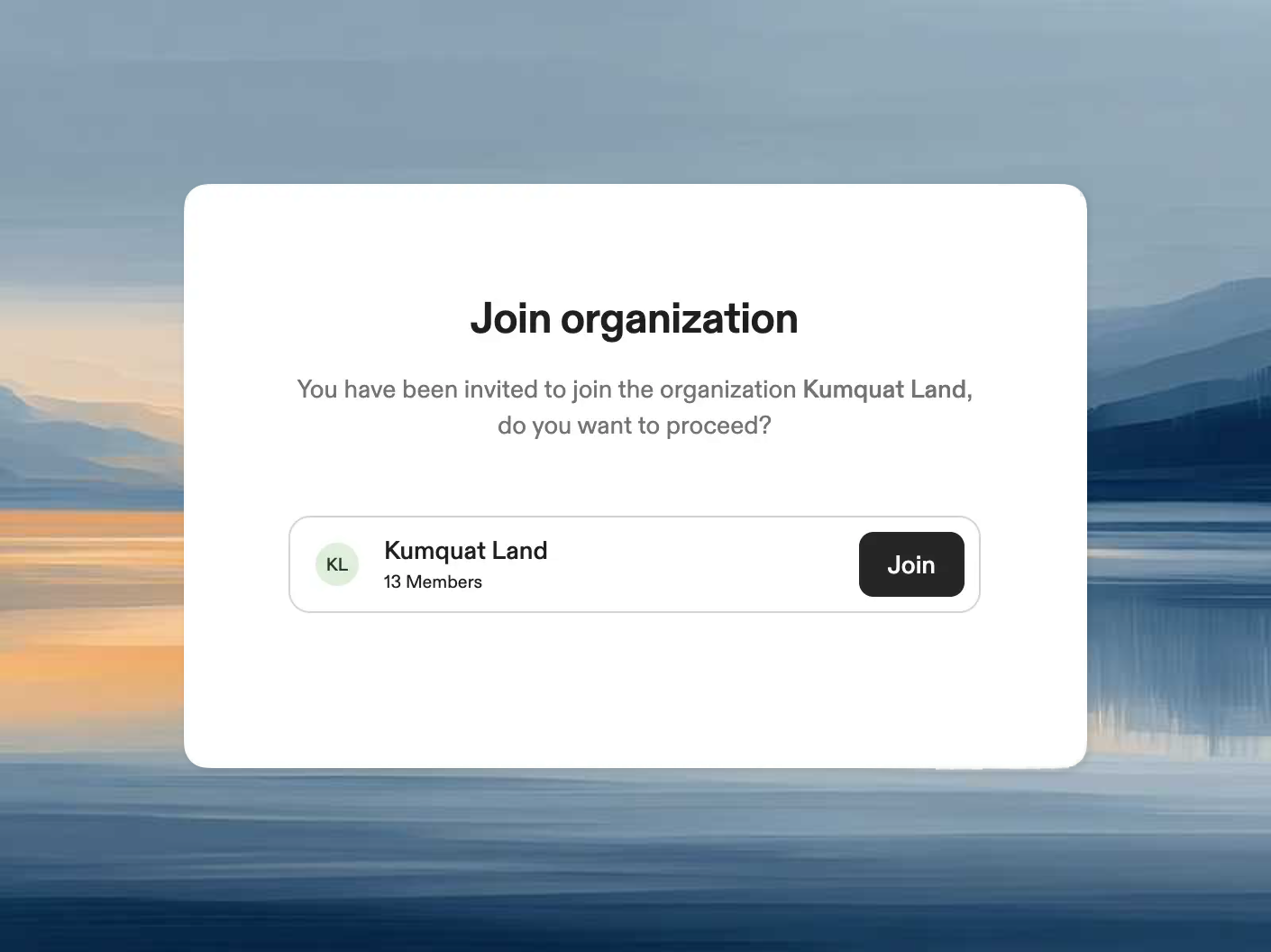
From the menu
You can access the join/create dialog anytime from the account dropdown menu.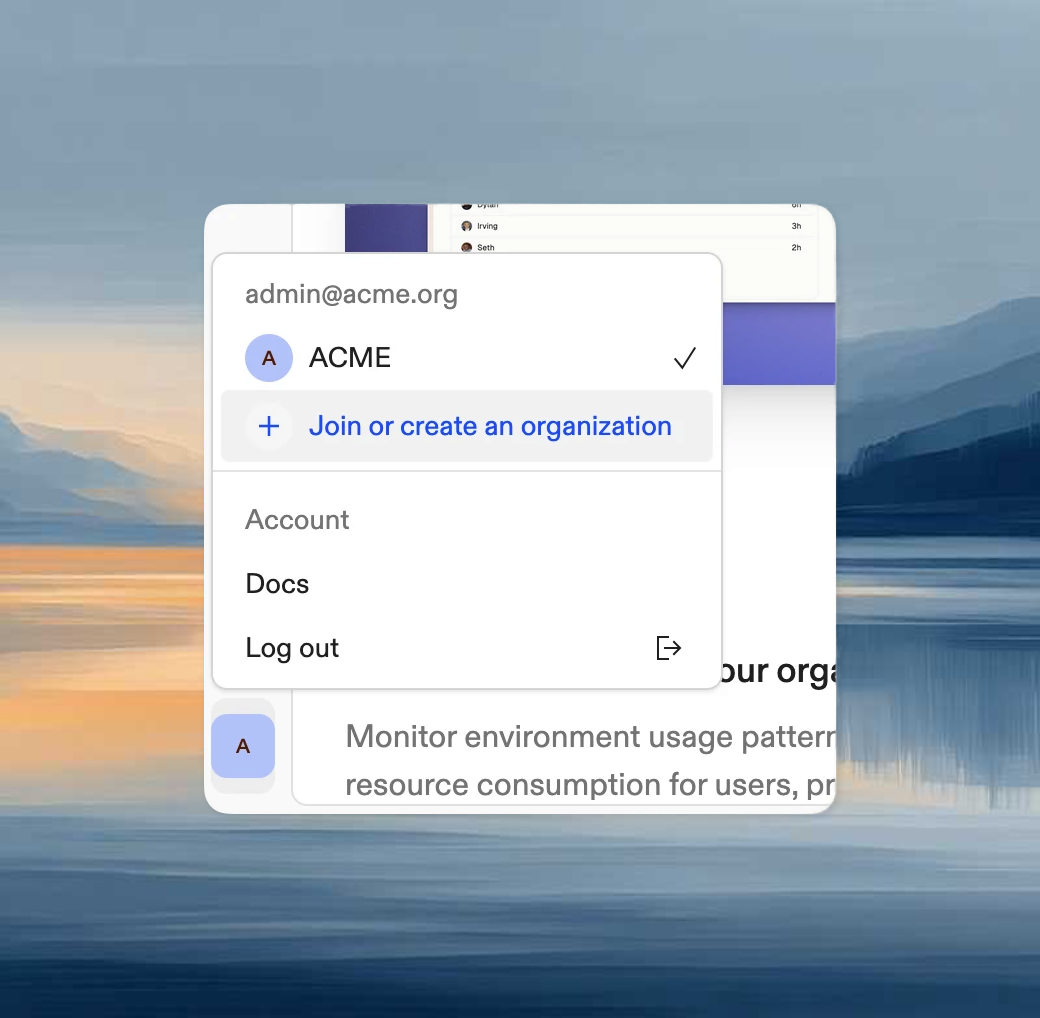
Create vs join
- Create when you are setting up a new team space and need admin control over projects, runners, policies, and members.
- Join when your team already has an organization and you only need access to shared resources inside it.
What happens next
After creating or joining an organization, the usual next steps are:- invite or manage members
- create or connect projects
- add runners or use Ona Cloud
- configure login, policies, and secrets for the team