

Azure DevOps supports repository access but agent tools are not yet available. Bitbucket Server / Data Center is not yet supported. Only Bitbucket Cloud (bitbucket.org) is supported.
Capabilities
- Create, update, read, and merge pull requests and merge requests
- Add, update, and delete general and inline code review comments
- Create, update, and manage issues and issue comments
- Search issues and pull requests
- Read workflow runs (GitHub Actions) and pipeline status (GitLab)
- “Create a pull request for my changes titled ‘Add input validation’”
- “Review PR #42 and add inline comments for issues you find”
- “Create an issue for refactoring the authentication module”
- “Search for open issues related to ‘timeout errors‘“
Organization controls
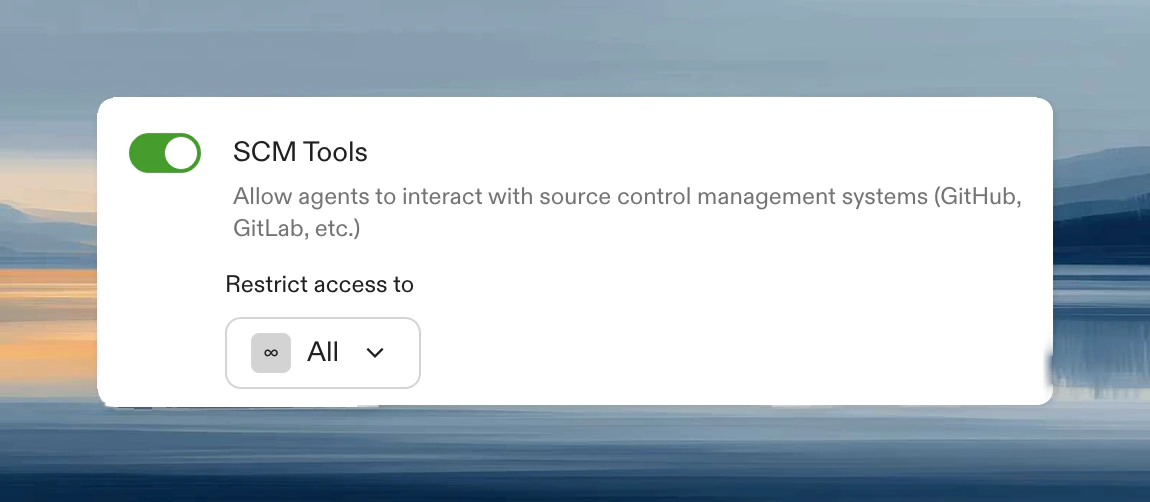
- Enabled for all members (default)
- Enabled for specific group: gradual rollout or team restrictions
- Disabled: agents use git commands only, no PR/issue tools
Provider differences
Prerequisites
- Configure source control on your runner.
- Authorize via OAuth or PAT when creating your first environment.
- GitHub:
repo,read:user,workflow(if editing Actions files) - GitLab:
api,read_repository,read_user - Bitbucket Cloud:
account,pullrequest:write,pipeline(pullrequest:writeimplicitly grantspullrequest,repository:write, andrepository)
Limitations
- Cannot sync PR branches with base branch
- Cannot approve or request changes on PRs
- Bitbucket Cloud: no issue tracking tools (Bitbucket issues API is limited)
Troubleshooting
Tools not available
Tools not available
Verify source control is configured and you have authorized access. Restart your environment to reload tools.
Permission denied
Permission denied
Check token scopes and repository permissions. For GitHub organizations, ensure OAuth app access is granted.