
Project secrets are scoped to a single project. Anyone who launches an environment from the project gets these secrets injected automatically. Use them for credentials the whole team needs for that repository (API keys, service accounts, registry access) without exposing them to other projects in the organization. Project secrets have middle precedence. They override organization secrets but can be overridden by user secrets. Teams set project defaults while individuals can still customize.

Common uses

Project secrets are the right default for credentials tied to one repository or workflow. Typical examples:
  • API keys for services used by one codebase
  • shared test credentials
  • project-specific registry access
  • configuration values that should travel with the project rather than the whole organization

Manage project secrets

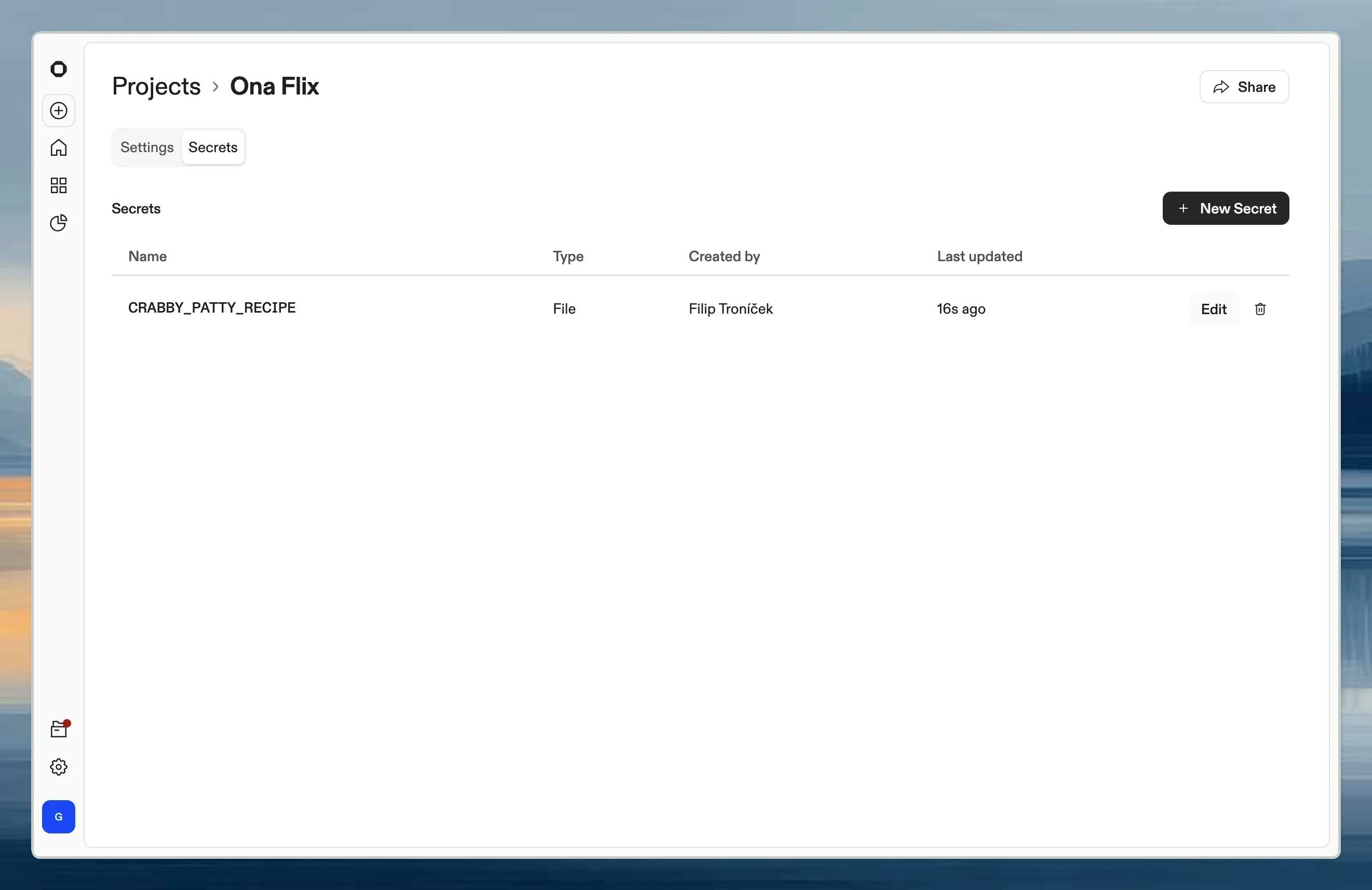
Navigate to Project → Secrets. Project secrets page showing list of shared secrets with type and name columns From here you can create, edit, and delete secrets. Each secret can be an environment variable, file, or container registry credential.
When to use project secrets

  • Shared service accounts: Database credentials, API keys for project-specific services
  • Project configuration: Environment-specific settings the whole team needs
  • Container registry access: Private images for this project’s Dev Container
For personal credentials like your own Linear or GitHub token, use user secrets instead.

How project secrets affect environments and automations

Project secrets are available to environments launched from that project, including automation runs that create environments from the project. That makes them the best place for shared defaults a project-backed workflow depends on. If the same secret also exists at organization scope, the project secret takes precedence for this project.