When to use environment variables
Use environment variables for non-sensitive configuration:- Application modes -
APP_ENV=development,DEBUG=true - Feature flags -
ENABLE_NEW_UI=true - Endpoints -
API_BASE_URL=https://api.example.com
Security tradeoff: Environment variables can leak through process listings (
ps auxe), logs, and crash dumps. File secrets are more secure - they’re not visible in process listings and won’t appear in logs.However, many tools (including MCP servers) expect credentials as environment variables. For API keys that can be rotated, this tradeoff is often acceptable. For passwords and private keys, prefer file secrets.Create an environment variable secret
- Navigate to Project → Secrets or Settings → Secrets
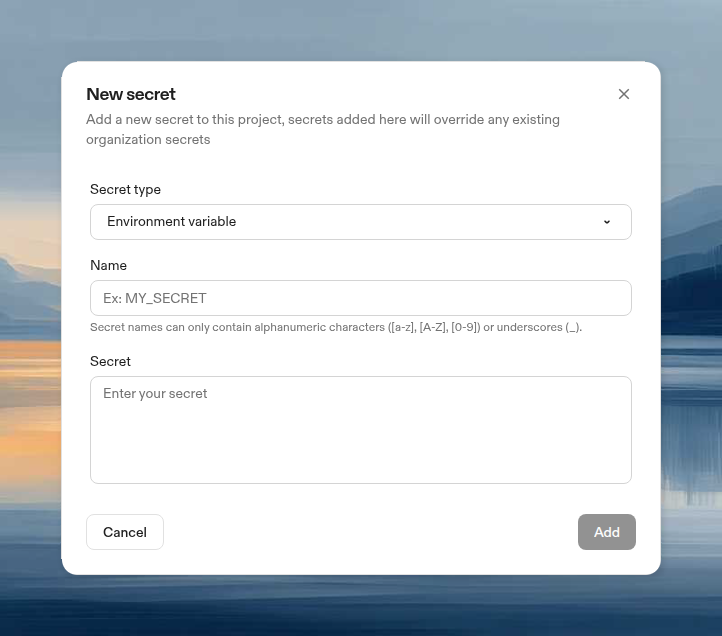
- Click New Secret, then choose Environment variable from the Secret type dropdown
- Configure:
- Name: Variable name (e.g.,
LINEAR_API_KEY) - Secret: The secret value (max 10KB)
- Name: Variable name (e.g.,
Access the variable
Available immediately in your environment:Update a secret
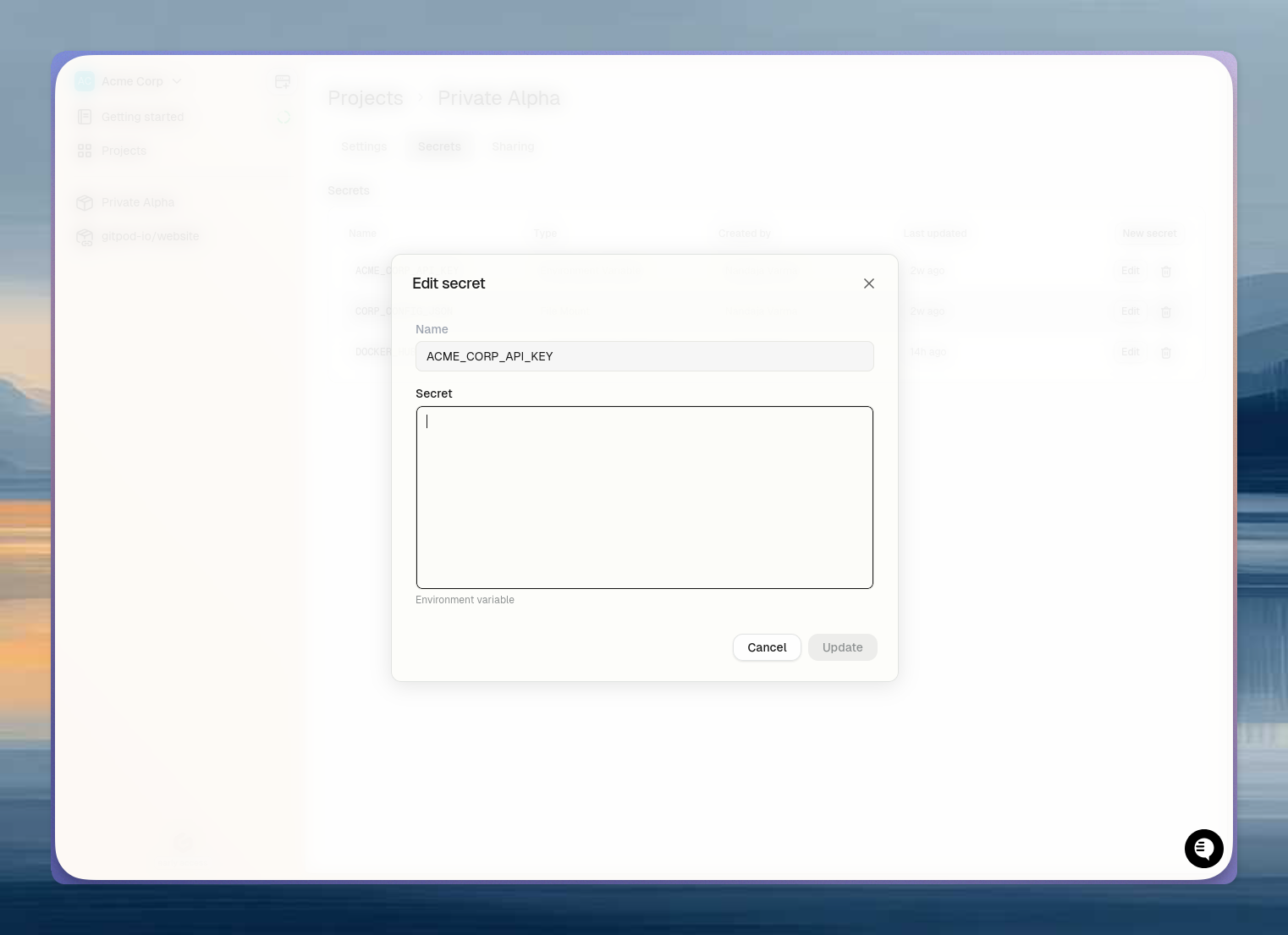
- Navigate to Project → Secrets or Settings → Secrets
- Click Edit, update the value, click Update