

npm test or docker compose up reliably, it can iterate autonomously without human intervention.
Tasks vs Services
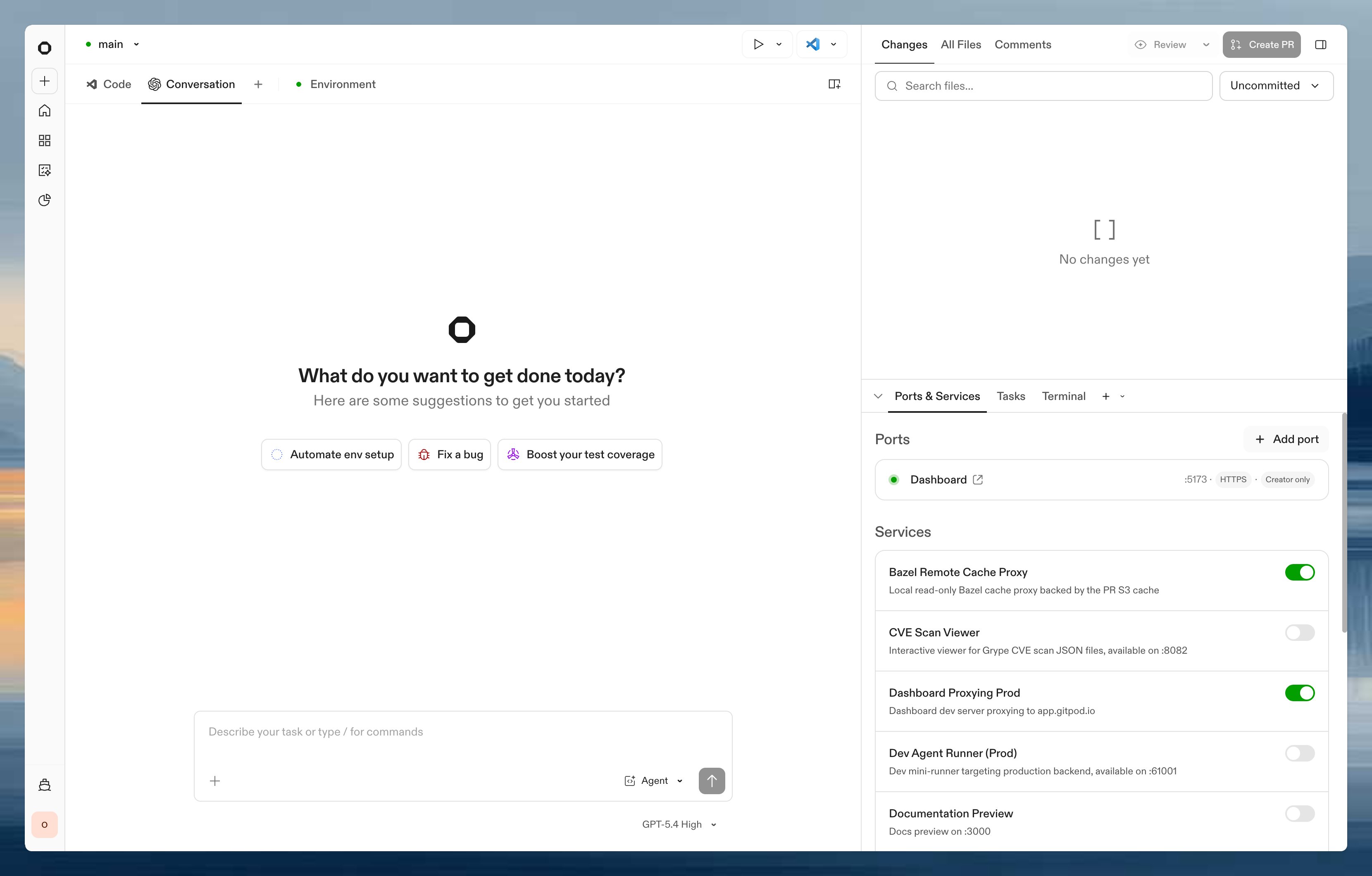
In the session sidebar, long-running processes live under Ports & Services and one-off actions live under Tasks. Services are long-running processes that stay active throughout your session. They appear in the Ports & Services tab alongside the ports they expose.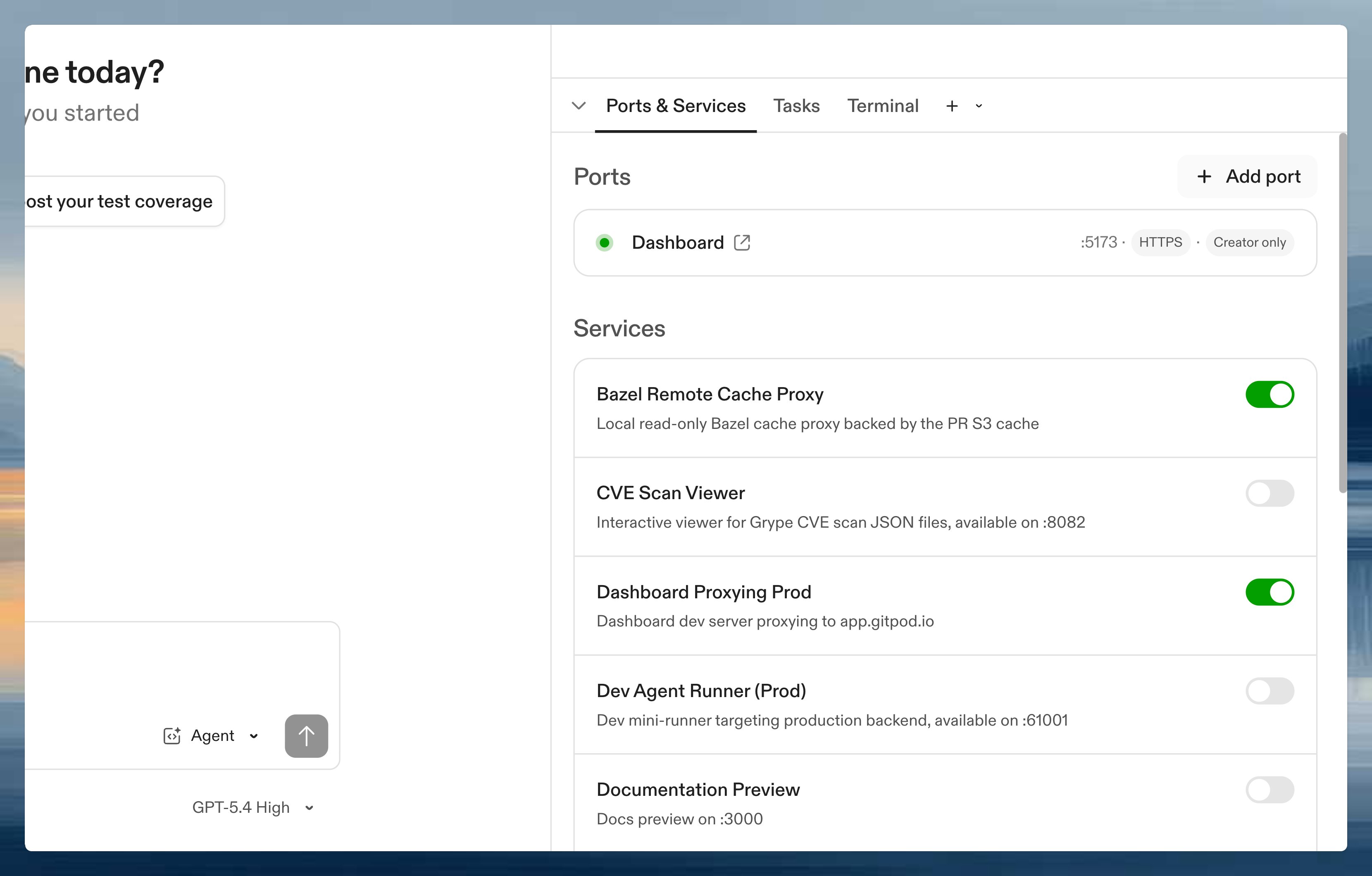
- Databases (PostgreSQL, MySQL)
- Backend and frontend servers
- Caching systems (Redis)
A service’s
start command must stay running (block) for the service to remain active. If the command exits, the service transitions to Stopped (exit code 0) or Failed (non-zero). For example, npm start or docker run postgres block and keep the service alive, while docker run -d postgres returns immediately and the service stops.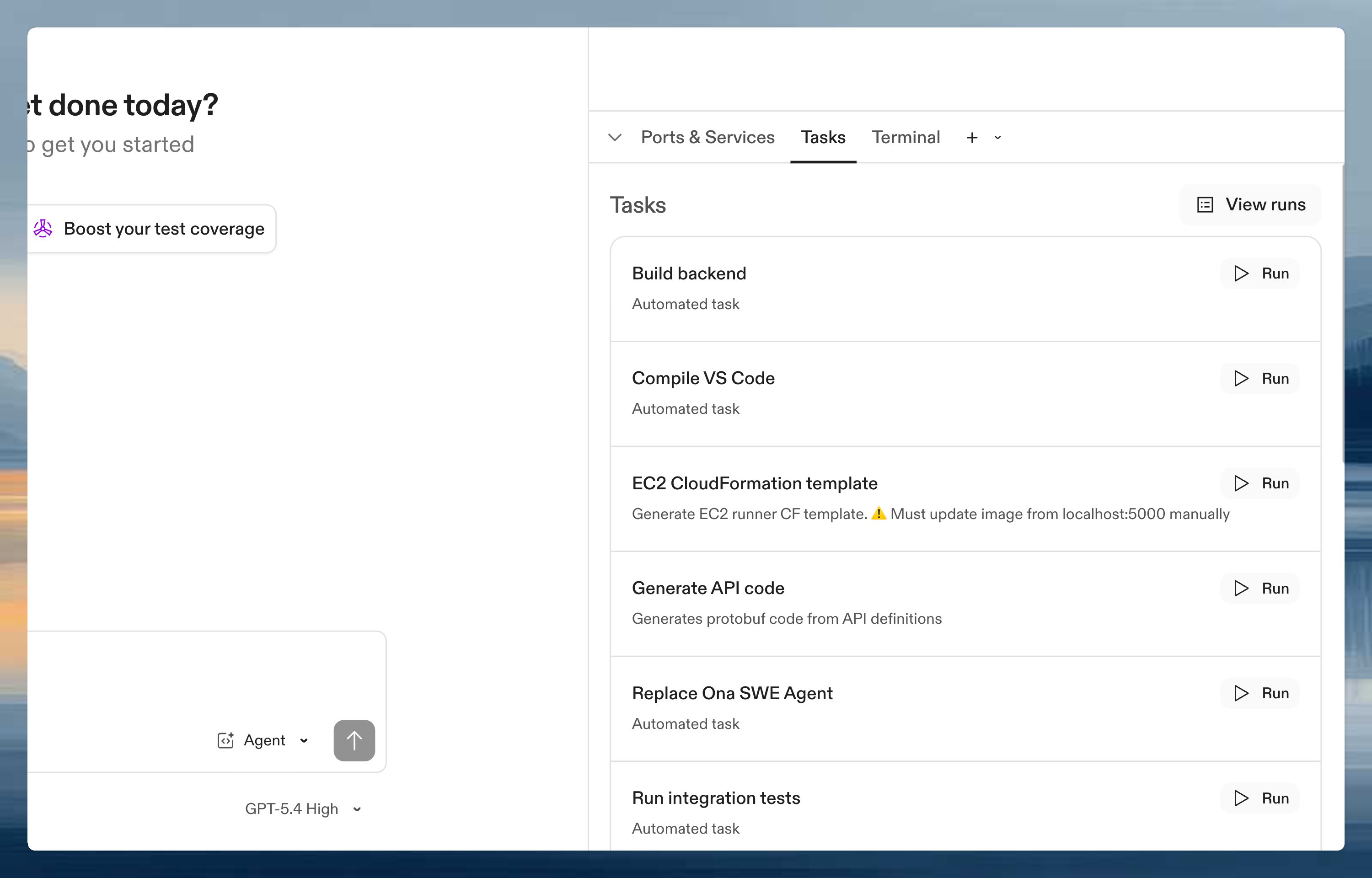
- Installing dependencies
- Running tests
- Seeding databases
- Authenticating with cloud providers
Quick example
- Starts PostgreSQL when the environment starts
- Waits until the database service is ready
- Seeds the database with test data
- Makes “Run tests” available as a manual action
Apply configuration changes
An environment keeps using the tasks and services configuration that it applied when it was created. Editing, moving, or deleting the configuration file does not change the running environment, including after the environment restarts. When Ona detects a valid change, the environment start details show that an update is available. Select Apply to update that environment. Applying a change uses the latest configuration resolved from the repository; it does not change the Project setting. If the Project’s Tasks and services configuration path changed after the environment was created, select Apply Project configuration to adopt the new Project setting for that environment. This does not update other existing environments. If the source file is missing or invalid, Ona keeps the last applied tasks and services running. Restore or fix the file before applying it. A missing or invalid explicitly configured file still prevents a new environment from loading tasks and services.Triggers
Control when tasks and services run:
See the .ona/config.yaml schema for complete trigger documentation, including how triggers interact with prebuilds.
Run automations across repositories
Tasks and services run within individual environments. For cross-repository automation at scale (migrations, security scanning, bulk updates), see Automations.Next steps
- .ona/config.yaml schema - field reference for all fields, commands, triggers, and execution environments
- Examples - common patterns for databases, servers, and CI
- Dynamic configuration - create tasks and services programmatically