

- Ensure consistent tooling for support and troubleshooting
- Avoid untested editor versions that may break workflows or extensions
- Meet compliance requirements for approved software
Configuration
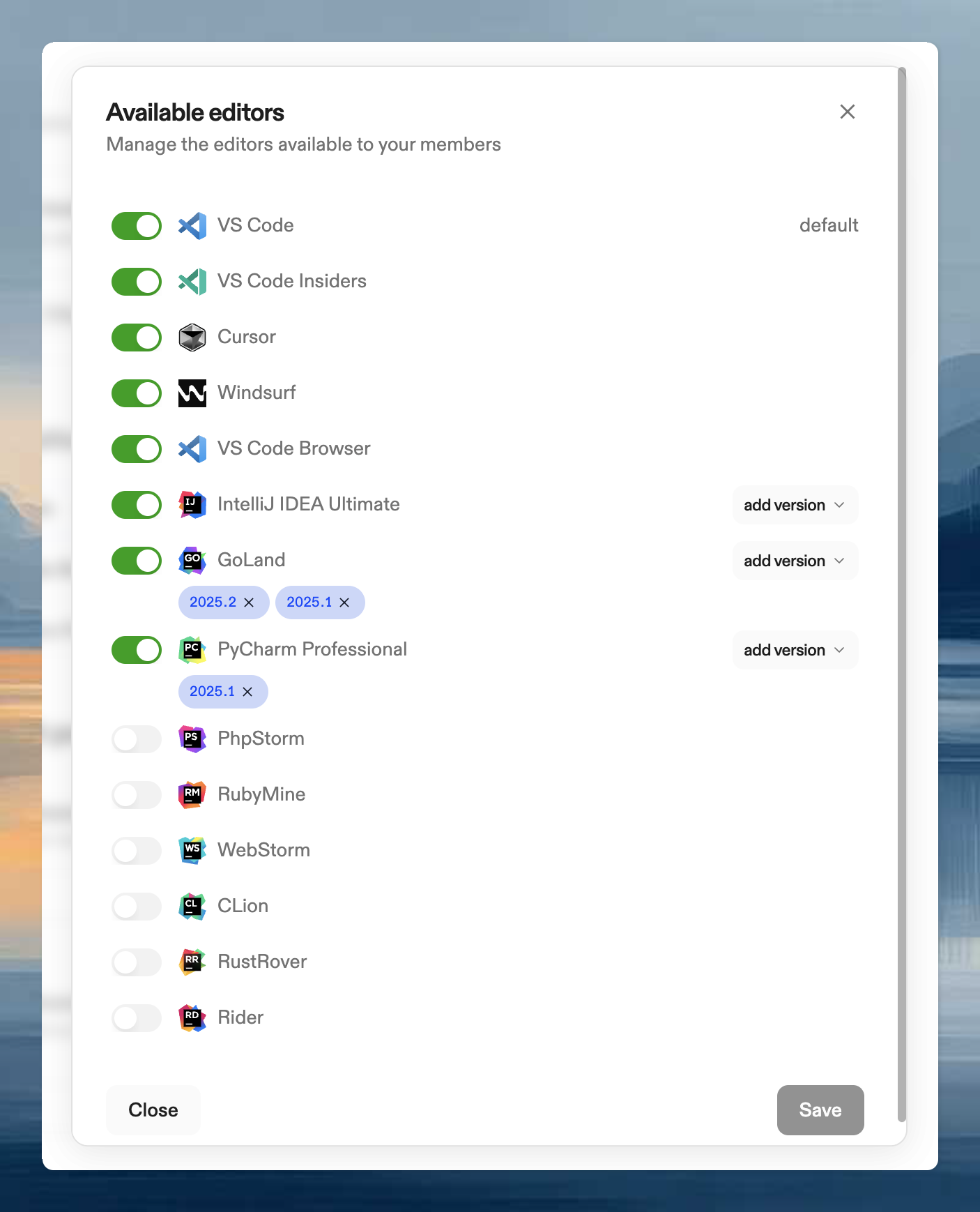
- Click Manage Editors
- Select allowed editors (at least one required)
- For JetBrains editors, select allowed versions
- Choose a default editor
- Save
Effect on users
- Only allowed editors appear in the selection dropdown
- Non-allowed editors return an error (including via CLI)
- Non-allowed versions fall back to the latest allowed version