

Default classes
Create custom classes
- Go to Organization settings → Environment Classes (under AWS runners)
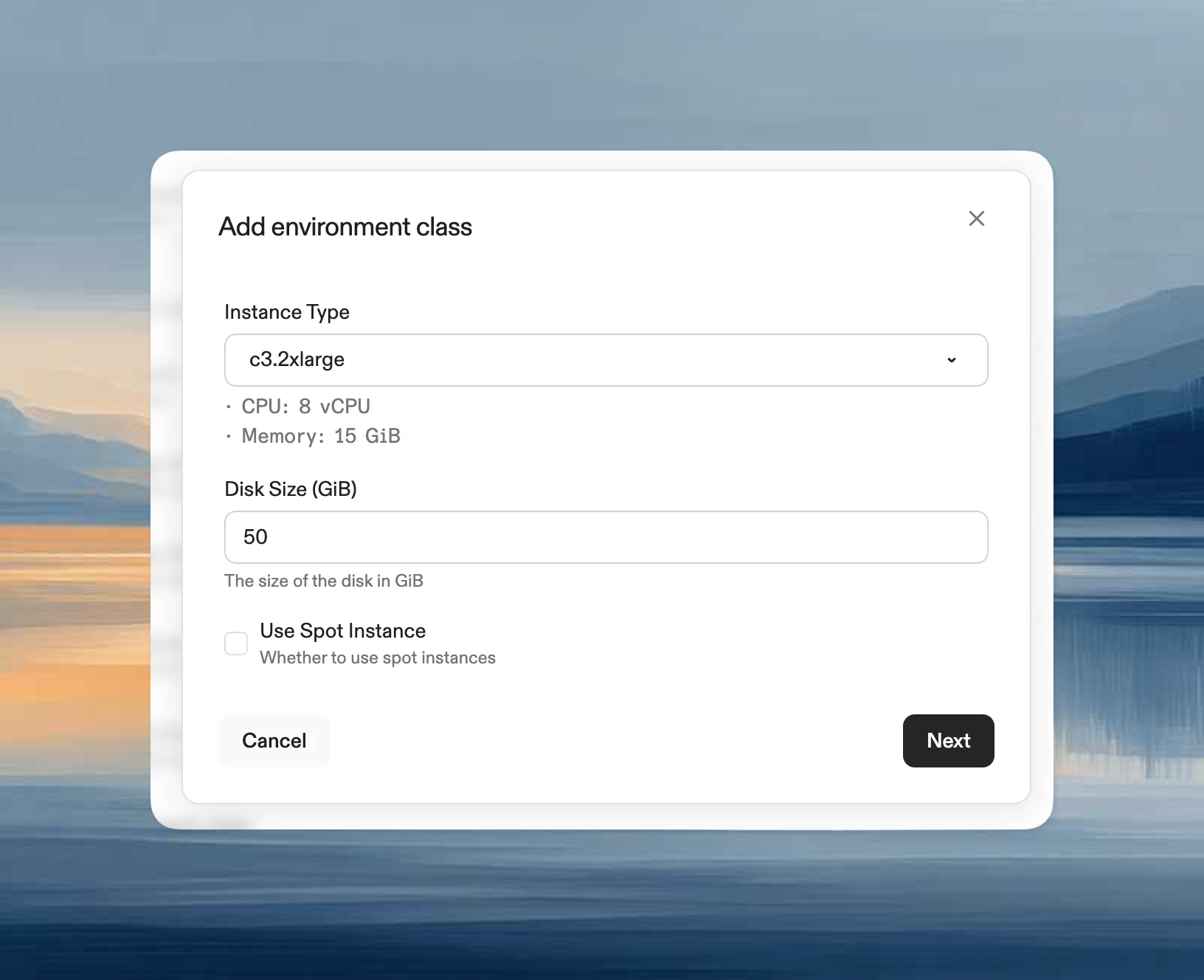
- Click Add Environment Class
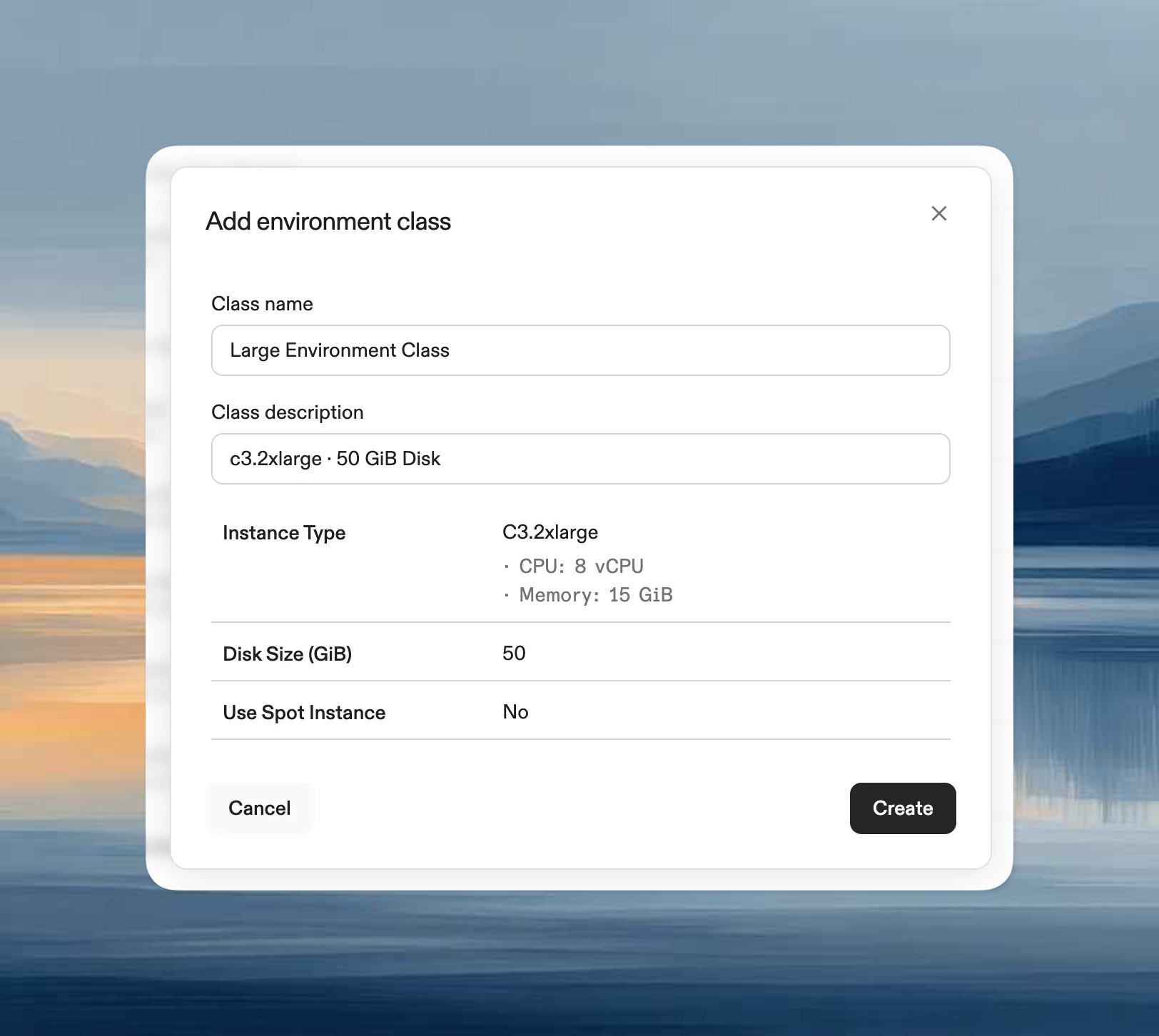
- Configure:
- Name and Description
- Disk size: Storage capacity
- Instance type: Any x64 EBS-enabled type (e.g., t3.medium, m5.large, c5.xlarge)
Modify classes
Only name and description can be edited after creation. To change disk size or instance type, create a new class and optionally disable the old one.Disable classes
When disabled:- Existing environments continue running
- No new environments can use this class
Use classes
Select environment classes when creating environments manually or via project configuration.Supported instance types
Requirements:- EBS volume support
- X64 architecture (Intel or AMD)
ARM-based instance types (e.g., Graviton) are not currently supported.
- General purpose:
t3.medium,t3.large,m5.large,m5.xlarge - Compute optimized:
c5.large,c5.xlarge - Memory optimized:
r5.large,r5.xlarge - Storage optimized:
i3.large,d2.xlarge
Considerations
- Regional availability: Not all types available in every region
- Quotas: Ensure sufficient AWS account quota
- Costs: Pricing varies by instance family
- Instance generations: Newer generations offer better price-performance
- Storage: Choose instances with more storage than RAM
Spot instance reclamation
When using AWS Spot instances, Ona automatically handles reclamation:- The environment on the reclaimed instance is terminated
- A new instance is provisioned automatically
- The EBS volume is reattached to the new instance
- All data on the EBS volume is preserved
GPU / CUDA workloads
To run NVIDIA CUDA workloads, select the Data Science environment class (g5.4xlarge) when creating an environment or configuring a project. See the gpu-demo repository for a working devcontainer.json and Dockerfile with CUDA support via containers.dev features.
Best practices
- Standardize classes across your organization
- Limit to classes teams actually need
- Create specialized classes for specific workloads (data processing, frontend, etc.)
- Review usage patterns and adjust regularly